
Blog
What Software Do You Need to Start a Website?

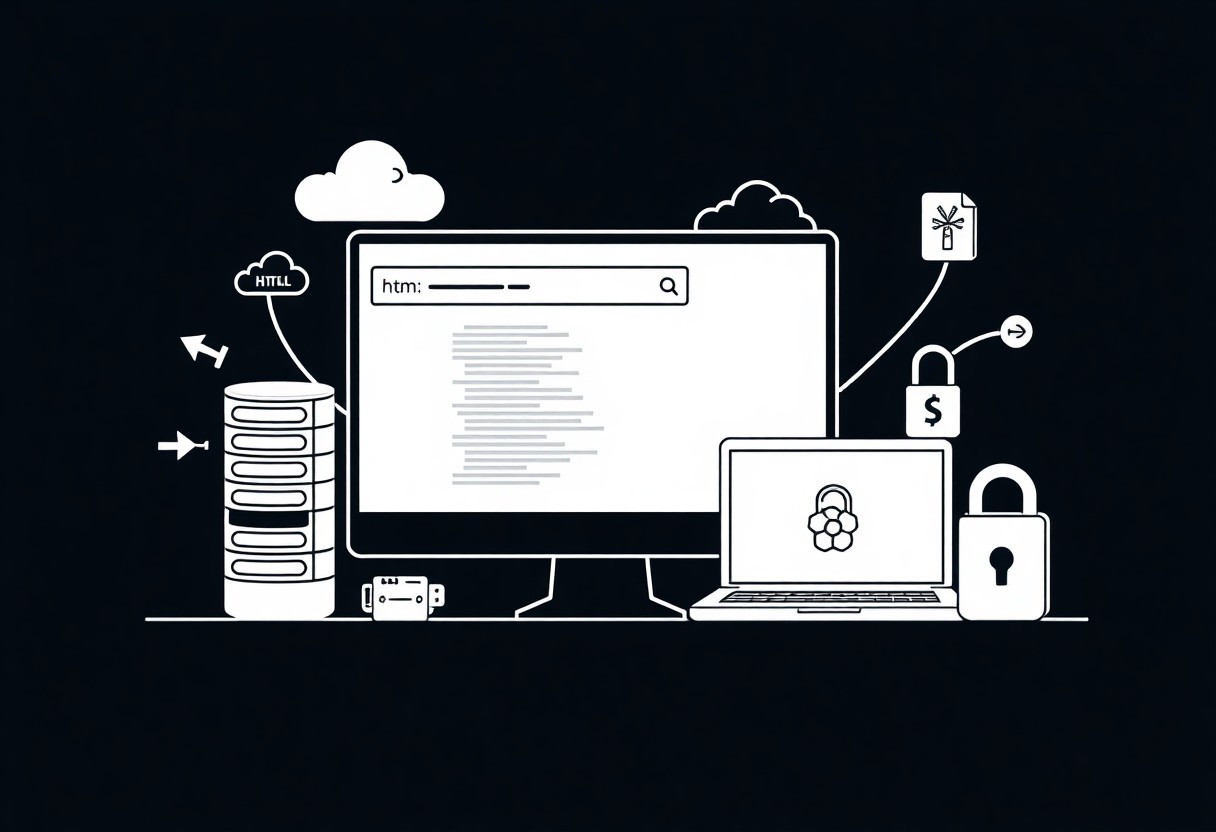
Many people underestimate software needs when starting a website. I recommend you choose a CMS like WordPress, reliable hosting and domain, and security tools so your site runs well and stays safe.
Key Takeaways:
- Domain registration and DNS management to secure your web address and point it to your hosting.
- Web hosting (shared, VPS, or managed) to store site files and deliver pages to visitors.
- Content management system (WordPress, Joomla, Drupal) or website builder (Wix, Squarespace) for building and editing content without deep coding.
- Code editor (VS Code, Sublime) plus FTP/SFTP or Git for custom development and deploying changes.
- SSL certificate, analytics (Google Analytics or Matomo), and image editor/optimizer for security, performance tracking, and media preparation.
Domain Management and DNS Configuration
Domain control affects uptime and email delivery; I guide you to set nameservers, check WHOIS, and secure renewals. I warn that mistyped DNS changes can take hours to propagate, so plan updates during low-traffic periods.
Domain Name Registrars
Registrars I suggest choosing a registrar with easy WHOIS controls, two-factor login, and transparent pricing. If you lose access, domain lock and transfer protections prevent hijacking.
DNS Management Interfaces
Control panels let me edit A, CNAME, MX, and TXT records quickly; you should test changes and have TTL lowered for edits. Beware that incorrect MX or SPF records can break email delivery.
Interfaces with API access let me automate deployments and rollbacks; I rely on zone file backups and audit logs to recover from errors, and I run propagation checks before DNS-sensitive releases.
Web Hosting and Server Infrastructure
Servers determine how fast your site loads and how often it’s online; I choose hosts with 99.9% uptime, scalable plans, and strong backups so you can focus on content and avoid outages.
Hosting Control Panels
Control panels let me manage domains, databases, and email through a GUI; I favor cPanel or similar tools, and I tell you to restrict admin access and keep the panel updated to limit security risks.
File Transfer Protocol (FTP) Software
FTP clients transfer your site files; I avoid plain FTP and use SFTP so your credentials aren’t sent in cleartext, and I advise setting proper permissions to reduce security risks.
I recommend SFTP or FTPS clients like FileZilla or WinSCP; I configure key-based auth when possible, restrict accounts to their site folder, and monitor transfers. Plain FTP exposes credentials in transit, so I disable it and advise you to use encrypted protocols and strong passwords to prevent unauthorized access.
Content Management Systems (CMS)
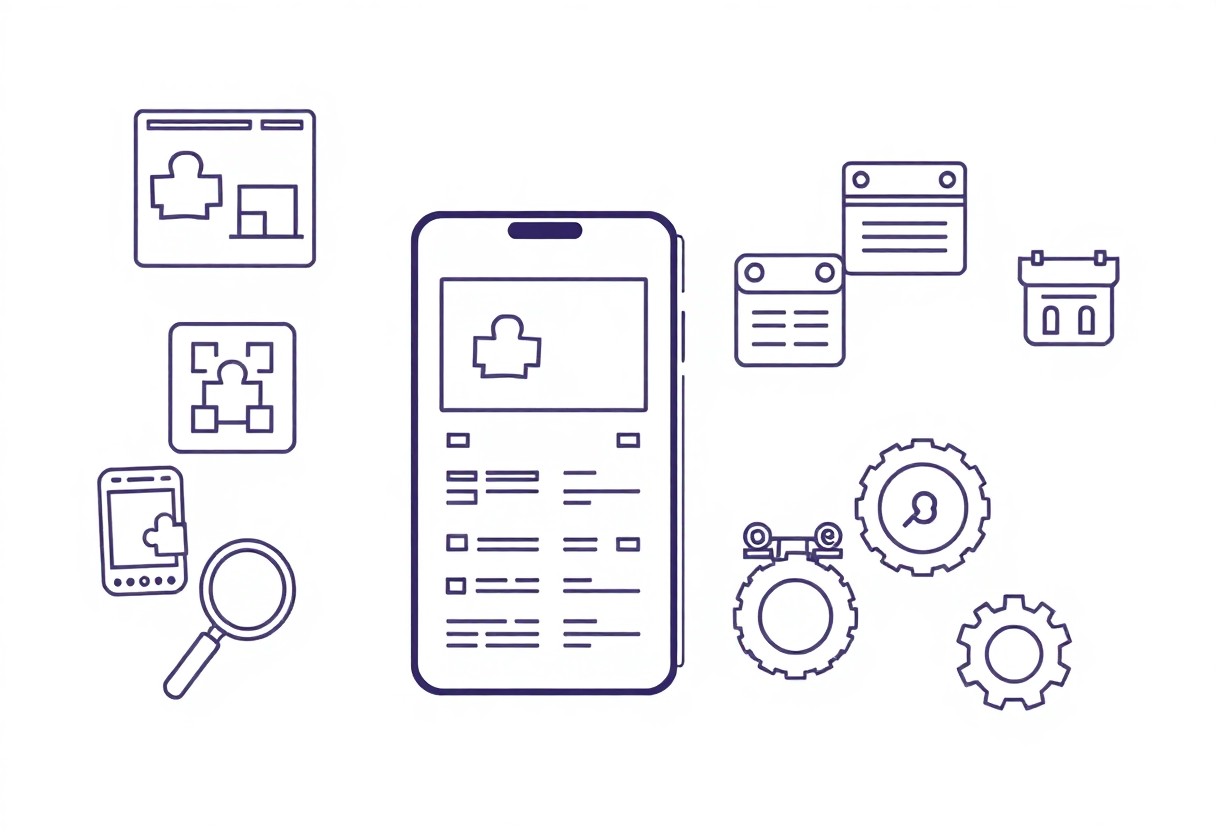
Content management systems let me build and update pages without coding; I pick a platform based on your needs: flexibility, control, or speed. Open systems give custom freedom, while builders with hosting included speed launch; outdated plugins create security holes you must patch.
Open-Source Software Platforms
Open-source platforms like WordPress and Drupal let me customize themes, add plugins, and host anywhere. You get maximum control, but you also take on updates, backups, and security work I can help with.
Managed Website Builders
Managed builders such as Squarespace, Wix, and Shopify let me launch quickly with hosting, templates, and support included; they reduce setup work but limit deep customization and some integrations.
When I choose a managed builder I trade full control for convenience: you get automatic updates, SSL, and backup handling, and I focus on content and conversions. Expect lower maintenance, but check plugin limits, pricing tiers, and data export options if you need portability.
Visual Design and Prototyping Tools
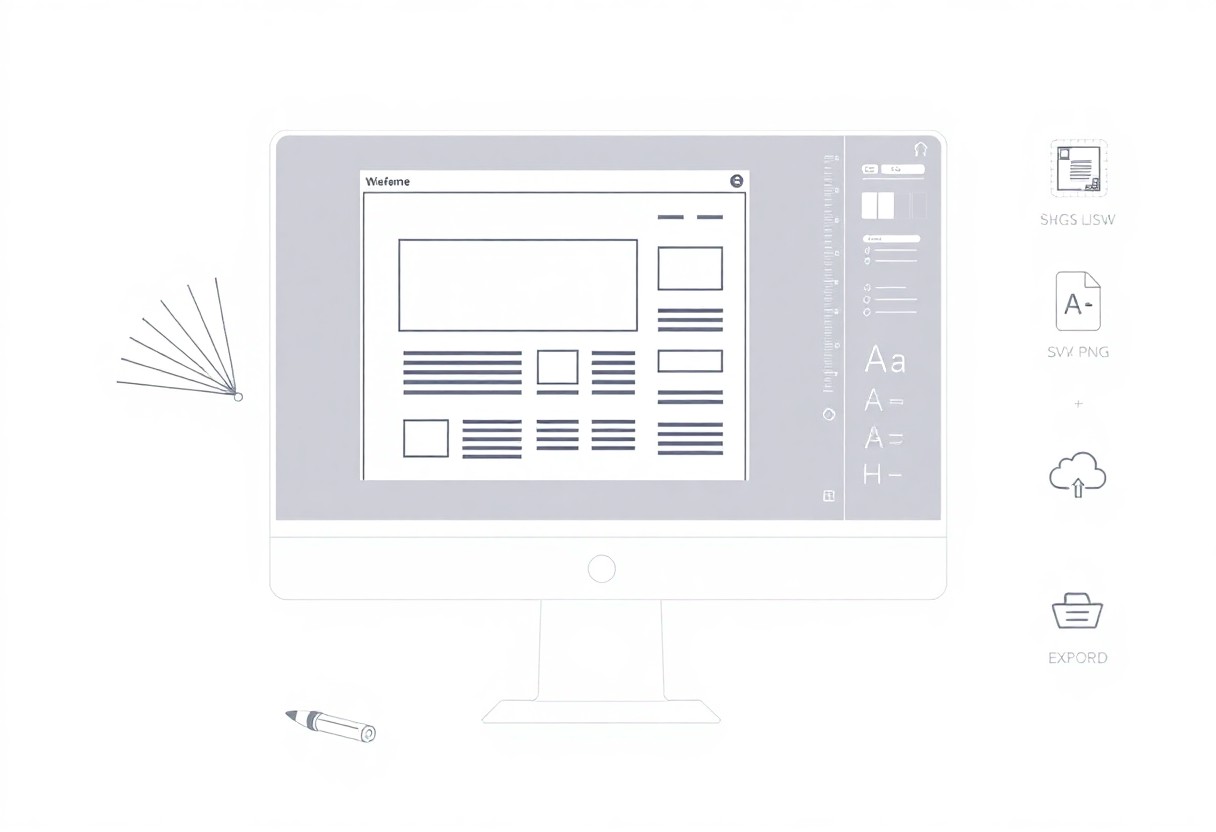
Design tools like Figma, Sketch, and Adobe XD let me create layouts, prototype flows, and hand off assets to developers; I use them to iterate quickly and catch UI issues early.
Graphic Design and Asset Creation
Images and icons I create in Photoshop or Illustrator set your brand; I export optimized formats and check licenses to avoid copyright problems that can cause legal headaches.
User Interface (UI) Prototyping
Prototypes let me validate interaction patterns and user flows before coding; I share clickable mockups so you can spot usability issues early and avoid costly rework.
I use low-fidelity wireframes to map core flows, then build high-fidelity interactive prototypes for user testing and developer handoff; this helps you catch UX errors early and avoid expensive fixes after launch.
Code Editors and Development Environments
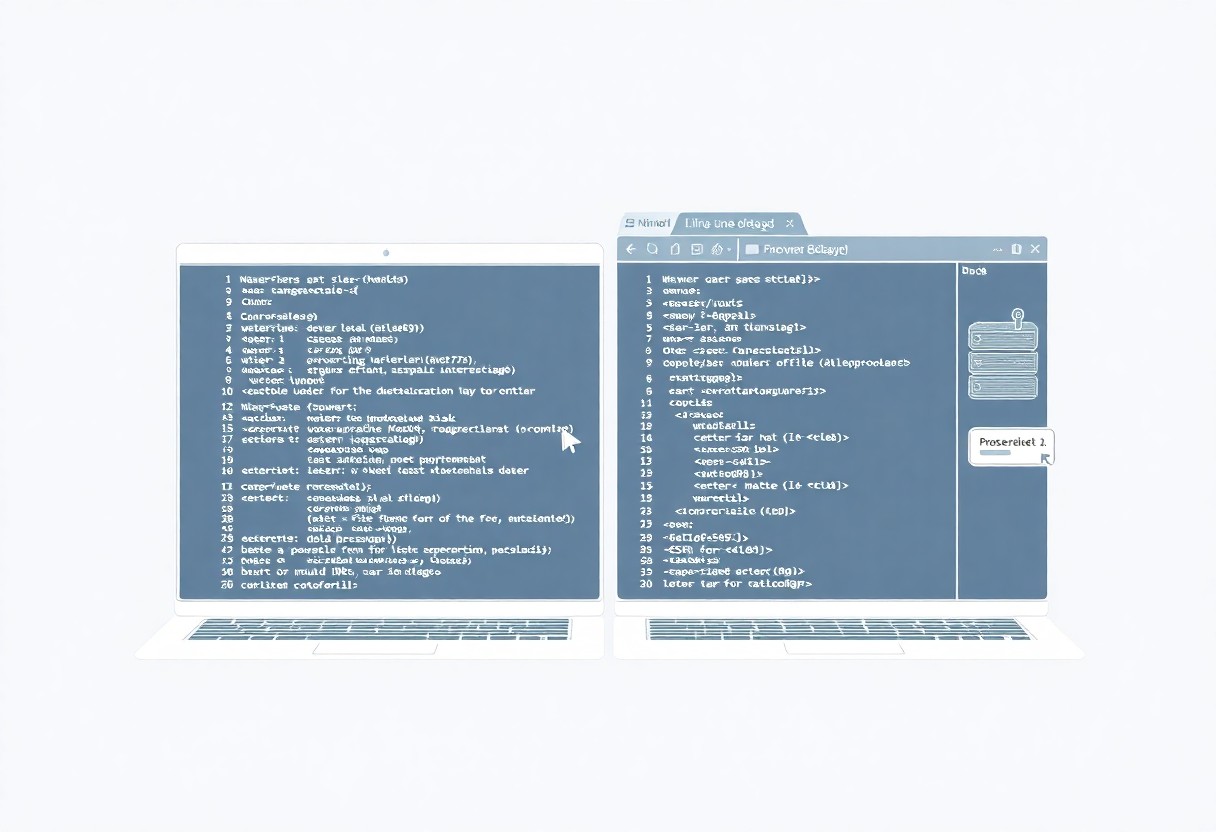
Code editors shape how I write and how you fix bugs; I pick tools that surface syntax errors, offer fast search, and support extensions. They speed development and cut mistakes, so your workflow feels cleaner and more productive.
Professional Text Editors and IDEs
I rely on VS Code, WebStorm, and Sublime for debugging, autocompletion, and an integrated terminal. They boost productivity, but you must avoid over-relying on suggestions so your code quality stays high.
Local Server Simulation Environments
You can run MAMP, XAMPP, or Docker to simulate PHP or full-stack environments; I test routes and databases locally to catch security and configuration issues before deployment.
Docker helps me mirror production, but misconfigured containers can cause exposed ports or data loss; I keep volumes backed up, pin image versions, and run tests to ensure your local stack matches hosting.
Analytics and Optimization Suites
Analytics power testing and conversion improvements; I use suites that give real-time insights, A/B testing, and heatmaps, and you can tie results back to page edits in Website Builder – Create a Free Website, while watching for privacy risks.
Search Engine Optimization (SEO) Tools
SEO tools help me track rankings, and I use them to refine meta tags and uncover high-value keywords so you increase organic visibility and your pages reach target queries.
Web Traffic and Analytics Software
Traffic platforms let me monitor sessions, referral sources, and funnels, and I use those insights to give you actionable metrics for prioritizing fixes.
Detailed reports, event tracking, and real-time alerts allow me to spot drops or spikes quickly; I set goals to measure revenue impact and you can export data for deeper analysis.
Conclusion
As a reminder, I recommend choosing hosting, a CMS or builder, and security tools; I guide you to compare options in my 3 Best Website Builder Software & Tools 2026 review so you can pick what fits your goals and budget.
FAQ
Q: What basic software do I need to start a website?
A: To start a website you need a domain registrar to register a domain name, hosting software or a hosting provider to serve your site, and tools to create the site such as a code editor or a content management system. A static website can be built with HTML, CSS, and JavaScript using a text editor, while dynamic sites require server-side software like PHP, Node.js, or Python plus a database such as MySQL or PostgreSQL. A local development environment or container platform like XAMPP, MAMP, or Docker makes development and testing easier before deployment.
Q: Do I need a content management system (CMS) and which ones are common?
A: A content management system simplifies publishing, editing, and organizing content without coding each page from scratch. WordPress is the most widely used CMS for blogs and general websites, Drupal and Joomla suit more complex sites, and Ghost focuses on publishing. Headless CMS options such as Strapi or Contentful provide content via APIs for developers building front ends with modern frameworks.
Q: What development tools and editors should I use?
A: A modern code editor like Visual Studio Code, Sublime Text, or JetBrains WebStorm speeds up HTML, CSS, and JavaScript development with syntax highlighting and extensions. Version control with Git and a hosting service like GitHub or GitLab manages changes and collaboration. Browser developer tools aid debugging, and build tools or task runners such as webpack, Parcel, or npm scripts automate asset bundling and optimization.
Q: What software and services handle hosting and deployment?
A: Web server software such as Apache or Nginx runs on traditional VPS or dedicated servers, while managed platforms like Netlify, Vercel, and Heroku abstract server configuration and offer continuous deployment. FTP/SFTP clients and deployment tools like rsync can push files to servers, and CI/CD systems such as GitHub Actions, GitLab CI, or CircleCI automate builds, tests, and rollbacks for predictable releases.
Q: What security and maintenance software should I use for a website?
A: SSL/TLS certificates from Let’s Encrypt or your hosting provider secure data in transit with HTTPS. Web application firewalls (WAFs), malware scanners, and security plugins for CMS installations help block attacks and detect compromises. Automated backup solutions, scheduled updates for core software, themes, and plugins, plus monitoring and logging tools, reduce downtime and speed up incident response.