
Blog
Shared vs VPS Hosting

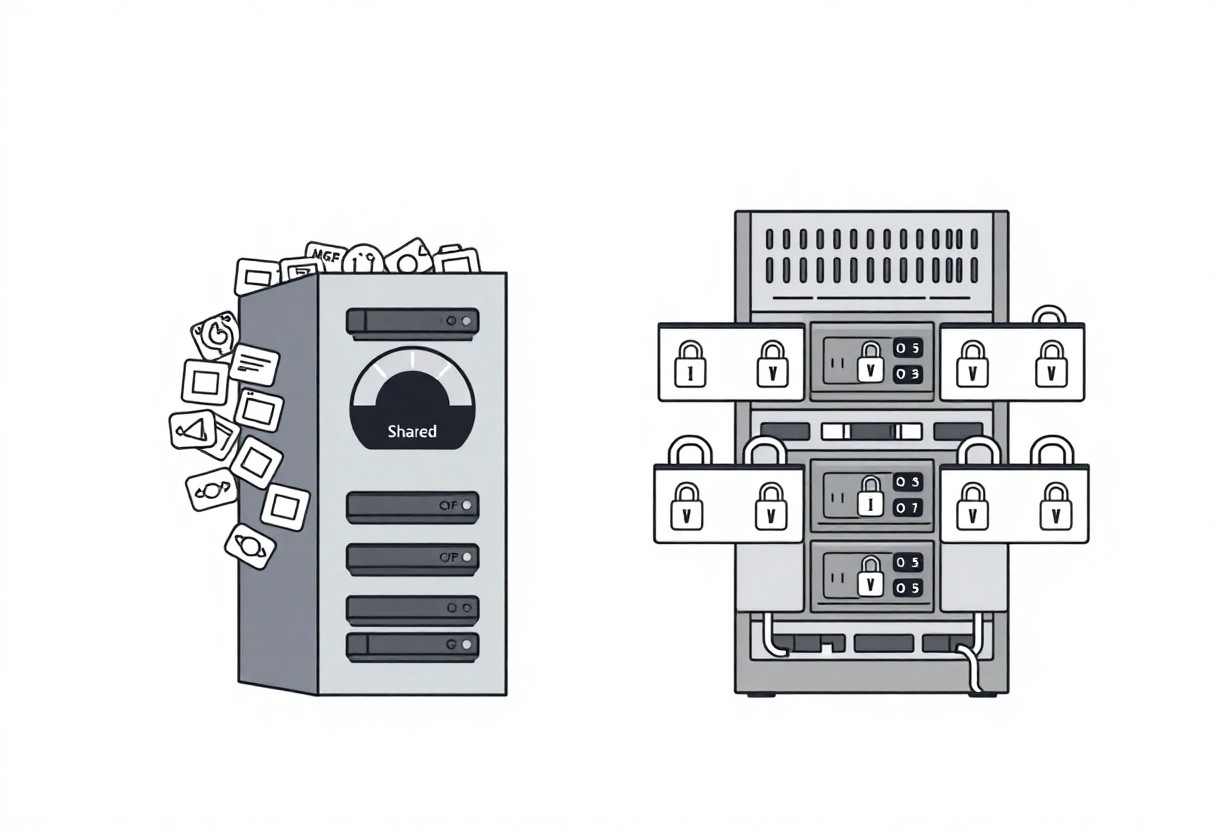
You can pick shared hosting for low cost, but I warn that limited resources and higher security risk may harm your site; I prefer VPS when you need dedicated resources and full control.
Key Takeaways:
- Shared hosting is the cheapest option, suitable for personal blogs and small websites with low traffic.
- VPS hosting provides dedicated virtual resources and consistent performance for medium to high-traffic sites.
- Shared hosting restricts server access and software installation, limiting customization and advanced configurations.
- VPS hosting grants root access and full control, allowing custom software, security settings, and performance tuning.
- VPS scales more easily for traffic spikes and resource increases, while shared hosting can slow down as other sites consume resources.
Shared Hosting Fundamentals
Shared hosting places many sites on one server, so I watch resource limits closely and you get a cost-effective option ideal for small projects; performance can vary when neighbors spike traffic and control is limited.
Resource Distribution and Server Architecture
Servers allocate CPU, RAM, and storage among accounts, and I monitor quotas so you know when a neighbor can hog resources; overuse risks slowdowns and isolation is minimal compared with VPS.
Primary Advantages for Entry-Level Websites
Cost is the main draw: I recommend shared hosting when you want low monthly fees, quick setup, and managed maintenance for a basic site without deep server access.
I appreciate how shared plans bundle vitals-domain tools, one-click installers, automated updates, and basic backups-letting you launch fast with minimal technical effort and a low monthly cost. You should expect CPU/RAM ceilings and possible slowdowns during spikes, and I advise moving to VPS when growth demands predictable performance and greater control.

VPS Hosting Architecture
VPS architecture isolates your site into a private environment on a shared server, giving me predictable performance and better security compared to shared plans-see the Shared vs VPS vs Dedicated Web Hosting comparison for context. I trust dedicated resources to reduce noisy-neighbor effects.
Virtualization and Dedicated Resource Allocation
Virtualization lets me carve out CPU, RAM, and storage for your VPS so background use doesn’t impact you. I value guaranteed allocations that keep performance stable under load and reduce downtime risk for your applications.
Enhanced Administrative Control and Root Access
Control at the OS level lets me install custom software and tune environments for your projects, but root access also increases security responsibility and potential misconfiguration risks if you or I make errors.
Access to root means I can manage services, apply kernel tweaks, set up firewalls, and perform snapshots; I recommend limiting interactive root use, using sudo, automated updates, and regular backups to mitigate the higher risk of human error and privilege escalation while preserving full customization for your applications.
Performance and Stability Comparison
| Shared Hosting | VPS Hosting |
|---|---|
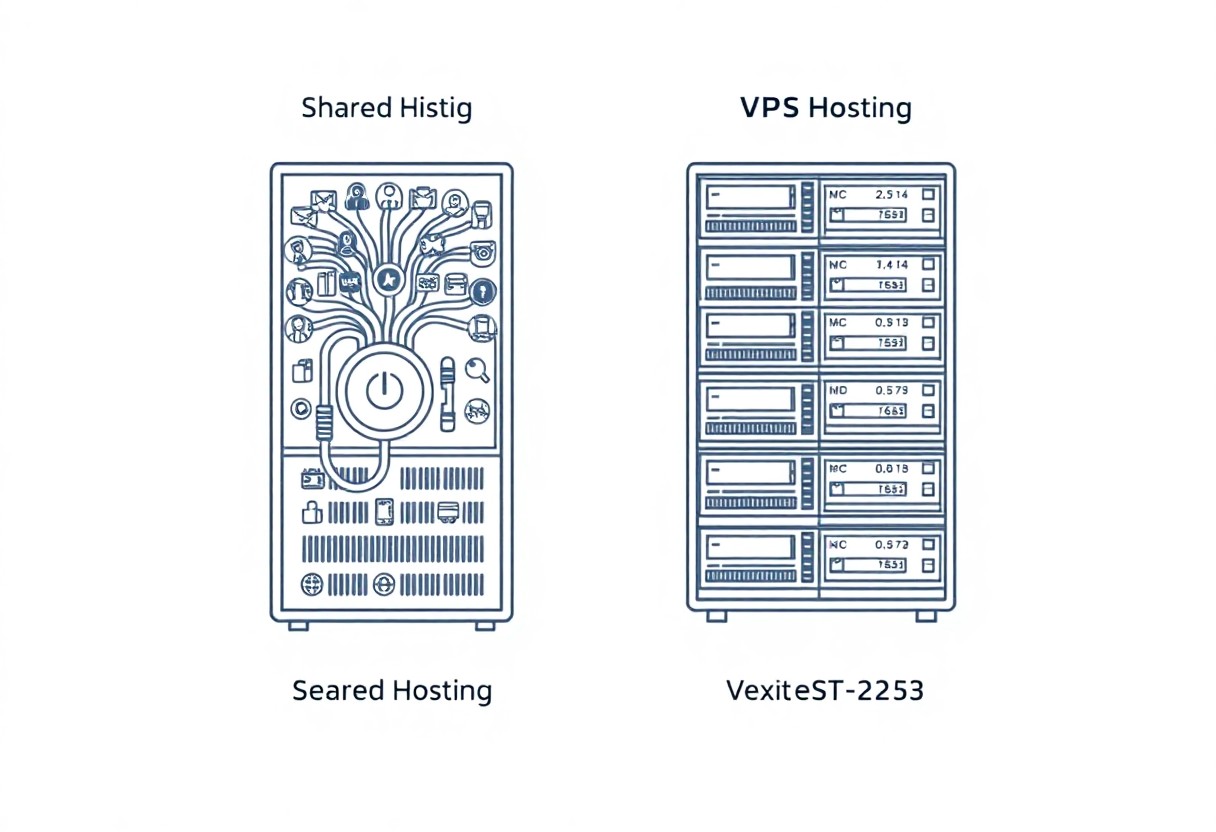
| Shared environments often cause variable performance; I see sites slowed by noisy neighbors and limited guarantees for your resources. | VPS provides dedicated resource slices; I can tune CPU and RAM for predictable performance and isolate your apps. |
Managing the “Bad Neighbor” Effect
Shared environments expose you to the “bad neighbor” effect; I mitigate it by monitoring resource usage, choosing hosts that enforce limits per account, and scheduling upgrades when traffic grows.
Uptime Consistency in Isolated Environments
VPS instances give you consistent uptime because I control resource allocation, use snapshots, and isolate noisy processes to reduce unexpected downtime for your site.
I monitor host health, configure backups and load balancing, and can migrate your VPS off a failing node; despite hypervisor isolation, a physical server failure can still affect uptime unless the provider offers high-availability clusters, so I plan redundancy and regular failover tests for your site.

Security and Data Integrity
Security shapes how I assess hosting: on shared plans you face higher cross-account risk, while on VPS I get virtual isolation and faster recovery; I recommend monitoring, regular backups, and strict hardening to protect your data.
Vulnerabilities within Shared Ecosystems
Shared hosting places your site alongside others, so I warn you about resource hijacking, noisy neighbors, and potential account-to-account breaches that threaten your data integrity and uptime.
- Account cross-access allowing data exposure.
- Misconfigured services enabling lateral movement.
- Noisy neighbors degrading performance and backups.
Shared Hosting Risks
| Risk | Impact |
|---|---|
| Account cross-access | Data leakage and unauthorized changes |
| Resource hijacking | Performance degradation and downtime |
| Weak shared configs | Privilege escalation and breaches |
Advanced Protection through Virtual Isolation
Virtual private servers isolate your environment, so I expect reduced attack surface and stronger control over patches, firewalls, and user access to protect your assets.
Isolation gives me control over kernel-level settings, snapshot backups, and per-instance firewalls so you can enforce policies, limit blast radius, and achieve better data integrity.
- Dedicated resources reduce cross-account exposure.
- Per-instance firewalls and patch control for your security.
- Snapshots and isolated backups speed recovery after incidents.
VPS Isolation Benefits
| Feature | Benefit |
|---|---|
| Dedicated instance | Limits impact from other tenants |
| Per-instance firewall | Fine-grained access control you manage |
| Snapshot backups | Faster restoration and point-in-time recovery |
Scalability and Future Growth
I assess scaling by comparing shared limits and VPS headroom; Shared vs. VPS Hosting: A Comprehensive Guide showed me that VPS provides dedicated resources for predictable growth while shared plans can cause sudden slowdowns.
Identifying the Limits of Shared Hosting
Shared hosting often means resource contention; I tell you spikes can throttle your site, increase latency, and force you to migrate when traffic surpasses your plan.
Seamless Resource Scaling on a VPS
VPS lets me scale CPU, RAM, and storage with minimal downtime, giving you predictable performance and easier upgrades; you retain control over allocations.
When traffic grows I scale vertically or add instances, manage snapshots, and tweak configurations so your site stays fast; expect additional costs but you gain far better stability, isolation, and administrative control than on shared hosting.
Cost vs. Performance Analysis
Comparing shared and VPS, I weigh monthly fees against speed and isolation; you get cheaper entry with shared but VPS offers consistent performance. See community discussion VPS vs Shared Hosting : r/webhosting for real-world reports.
Budget Efficiency for Low-Traffic Sites
Budget-conscious I often point small sites to shared hosting so you minimize monthly costs, while accepting limited resources that may force upgrades as traffic grows.
Evaluating ROI for High-Performance Needs
High-performance demands push me toward VPS where you trade higher fees for predictable latency, vertical scaling, and better support that can improve conversion and retention metrics.
I factor in maintenance, backup, and licensing costs, and I ask you to model uptime value and load-test results, since unexpected scaling fees can erase perceived ROI quickly.
Final Words
Following this I advise VPS when you need performance and control, while shared hosting suits tight budgets; I outline trade-offs so you can pick the plan matching your traffic and security needs.
FAQ
Q: What is the difference between shared hosting and VPS hosting?
A: Shared hosting places many websites on a single server where CPU, RAM, and disk I/O are shared among all accounts, which makes it low-cost and beginner-friendly but limited in resources and customizability. VPS hosting uses virtualization to create isolated virtual machines on a physical server, giving each site a reserved share of CPU, RAM, and storage and providing root or administrative access for custom configuration. Shared hosting is managed heavily by the provider with limited software or server-level changes allowed, while VPS lets owners install server software, configure security rules, and run background processes. Typical use cases for shared hosting include simple blogs, brochure sites, and small business pages; VPS suits growing sites, web applications, and projects that need predictable resources or custom server setups.
Q: Which option delivers better performance and scalability?
A: VPS hosting generally delivers better and more predictable performance because resources are allocated to each virtual server and one tenant cannot easily consume another tenant’s allocation. Shared hosting can suffer performance degradation when another account on the same server experiences traffic spikes or heavy resource use. VPS environments allow vertical scaling by moving to larger plans and horizontal scaling by adding instances or using load balancers when the architecture supports it. Performance improvements for both hosting types can include optimized caching, a content delivery network (CDN), and efficient database queries, but VPS gives more control to tune the server stack for higher traffic.
Q: How do security and reliability compare between shared and VPS hosting?
A: Shared hosting relies on the provider’s isolation mechanisms and sandboxing, but a compromised account or poorly configured script on the same server can increase risk for neighbors. VPS hosting provides stronger isolation at the virtualization layer and allows administrators to implement custom firewall rules, intrusion detection, and patch schedules. Reliability for shared hosting depends on the host’s resource management and overselling policies, which can lead to noisy-neighbor issues; VPS tenants can often avoid those problems by choosing plans with dedicated allocations. Both hosting types benefit from provider-managed backups, monitoring, and SLA-backed uptime when offered, and selecting a reputable host reduces risk.
Q: How do costs compare and what additional expenses should I plan for?
A: Shared hosting plans are the most affordable option, often billed monthly or annually with low entry prices, making them a good fit for simple sites on tight budgets. VPS plans cost more because of reserved compute resources and the flexibility they provide; managed VPS adds higher fees for provider administration. Additional expenses to plan for include control panel licenses (for example, paid cPanel alternatives), managed support, commercial backup solutions, higher bandwidth or storage overage charges, SSL certificates if not provided free, and potential migration fees. Factor in administration time or the cost of hiring a sysadmin if you choose an unmanaged VPS.
Q: How do I choose between shared and VPS hosting and what should I consider when migrating?
A: Choose shared hosting if traffic is low, site complexity is minimal, budget is tight, and you prefer a fully managed environment with no server administration. Choose VPS if you need guaranteed resources, custom server software, improved security controls, or expect growth that requires scaling. When migrating from shared to VPS, create a full backup, provision a staging VPS to test the site and configuration, synchronize databases and files during a maintenance window, lower DNS TTL in advance to speed cutover, and verify email and SSL functionality after switching. Monitor performance and error logs closely for the first 24-72 hours and be prepared to roll back or adjust server settings if problems appear.