
Blog
Best Hosting for Beginners

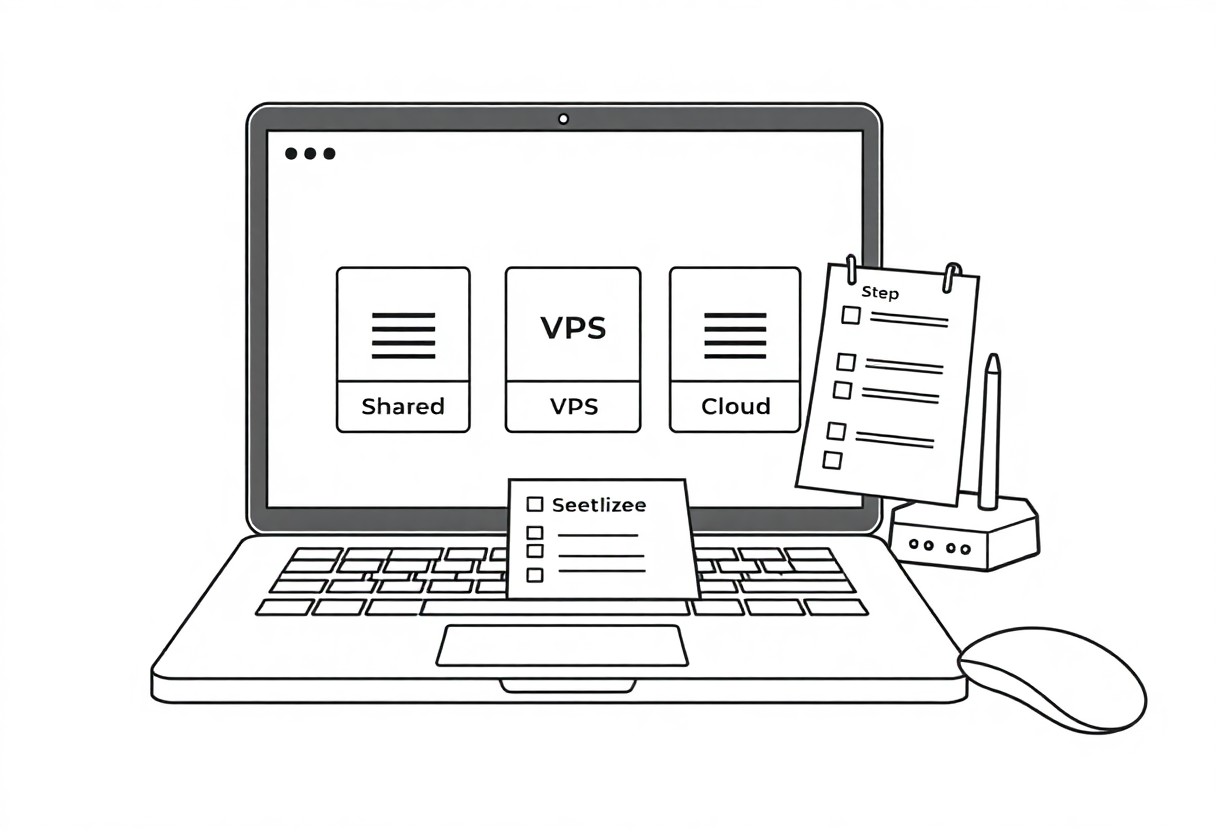
Guide I recommend starting with shared hosting; I outline costs, setup, and risks like downtime and weak security, and I show how you can choose affordable, user-friendly plans to launch your site fast.
Key Takeaways:
- Shared hosting offers the lowest cost and simplest setup for first-time websites.
- One-click installers and website builders simplify getting WordPress or a site online without coding.
- 24/7 customer support and a searchable knowledge base reduce frustration for beginners.
- Choose a host with free SSL, automated backups, and strong uptime guarantees for basic security and reliability.
- Scalable plans make it easy to upgrade to VPS or managed hosting as traffic grows.
Core Characteristics of Beginner-Friendly Hosting
I recommend hosts with easy setup, clear pricing, helpful tutorials and consistent uptime so I can get your site online quickly and you avoid hidden costs or extended outages.
Intuitive Control Panels and User Interfaces
Clear control panels give me the confidence to guide you through domains, emails and one-click installs without coding, using one-click installers and simple menus that reduce mistakes.
Reliable 24/7 Customer Support Channels
Quick, responsive support gives me confidence when your site faces downtime or configuration issues; I expect 24/7 live chat, helpful agents and fast ticket turnaround.
When I evaluate support I test live chat, phone and tickets to confirm real availability; I expect fast response times, knowledgeable agents who can escalate to engineers and access logs, and clear guidance for restores because outages or security incidents risk data loss and prolonged downtime.
Essential Features to Prioritize
I focus on features that reduce risk and effort: uptime, clear support, scalable resources, and security so you avoid costly downtime or data loss.
One-Click Application Installations
Installing apps with one click saves me hours; I prefer hosts that offer WordPress and popular CMS installers, automatic updates, and clear rollback options so your site stays current and secure.
Automated Backups and Security Integration
Backups should run automatically; I pick hosts with scheduled snapshots, offsite storage, and integrated malware scanning so your data isn’t lost or exposed.
Daily snapshots plus versioning let me test restores; I schedule encrypted offsite backups, enable automatic malware scans, and run restore drills to minimize data loss and reduce ransomware risk.
Evaluating Performance and Reliability Metrics
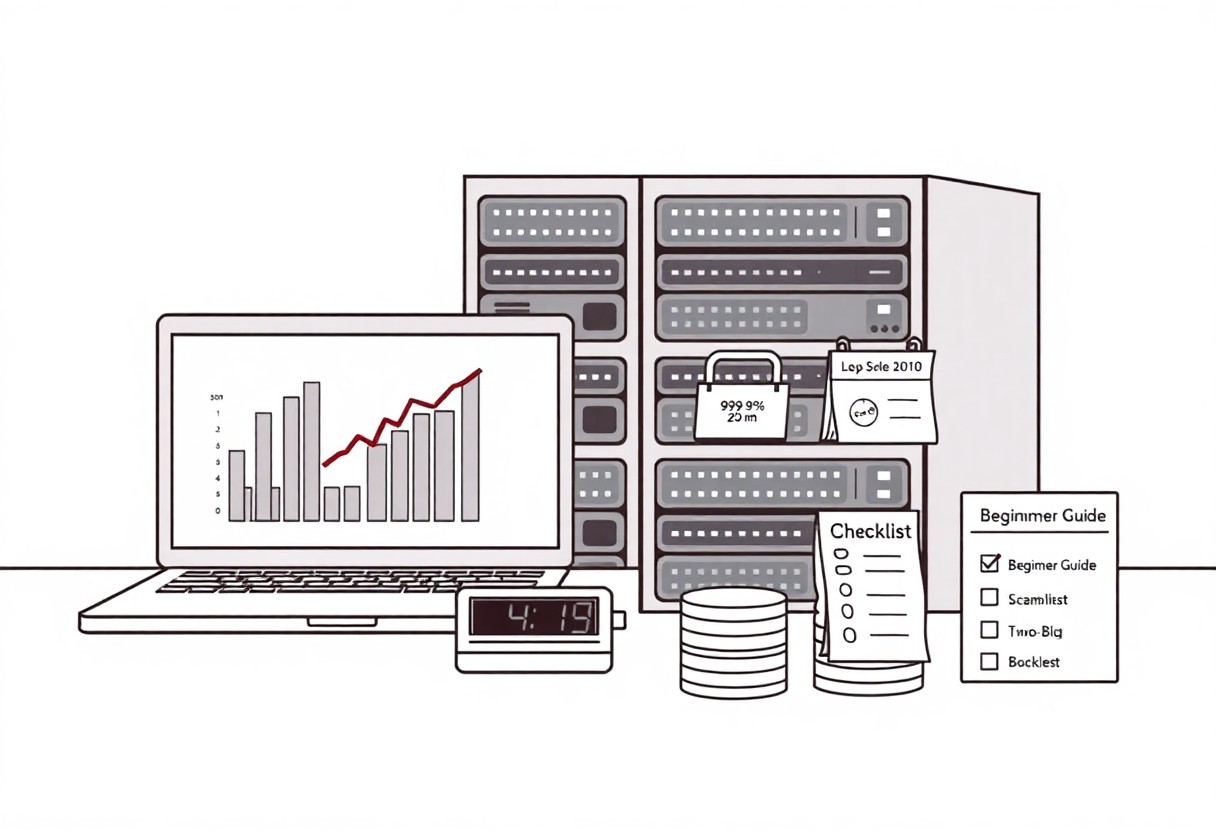
Performance metrics tell me how your site behaves under load; I check uptime, average response times, and error rates to judge stability. Your hosting should offer clear SLAs like 99.9% uptime and transparent monitoring so I can trust availability.
Uptime Guarantees and Server Stability
Uptime guarantees show whether I can rely on your host; I compare SLA percentages and penalty terms. If you see anything under 99.9% or vague recovery plans, I treat that as a risk and look elsewhere.
Loading Speeds and Global Content Delivery
Speed determines user satisfaction; I test TTFB and full-page load times, and I check whether your host integrates a CDN to cut latency for global visitors. You want sub-second responses and consistent delivery across regions.
Edge computing and CDN placement affect how I measure real-world latency; I look at PoP locations, compression, and HTTP/2 support. If your host lacks edge nodes near your audience, I expect higher load times and revenue impact, so I prioritize providers with widespread PoPs and clear performance diagnostics.
Navigating Costs and Contract Terms
Costs can be deceptive: I check promo rates, contract length, and hidden fees. I consult The 7 Best Web Hosting for Beginners in 2026 to compare deals and avoid surprise charges or aggressive lock-ins.
Understanding Introductory vs. Renewal Pricing
Compare introductory rates with renewal costs before you commit: I flag offers where low promos jump to much higher long-term bills and automatic renewals that blow up your budget.
Identifying Necessary Add-ons vs. Unnecessary Upsells
Spot add-ons that genuinely help your site: I keep imperatives like SSL and domain privacy, but reject extras that add recurring fees without clear benefit.
I examine each add-on line by line: I accept free SSL and basic domain privacy, consider paid backups and migrations only when they replace my manual processes, and value premium support if downtime costs me revenue. I avoid forced bundles, one-click upsells, and marketing extras that carry recurring fees without measurable benefit. I test features on short terms and cancel trials promptly; if an add-on doesn’t save me time or reduce risk, I don’t pay for it.
Critical Steps for Initial Website Deployment
I run a final checklist before launch: choose hosting, test on staging, configure DNS, install SSL, enable daily backups and monitoring to help you avoid costly downtime. For hosting options see Best Web Hosting for Beginners in 2026: Top Choices.
Domain Registration and DNS Configuration
Domain registration should match your brand; I set nameservers, enable WHOIS privacy, and lower TTL for quick updates so DNS changes propagate fast. You verify A, CNAME and MX records to prevent email or site outages.
Implementing SSL Certificates for Data Protection
Install an SSL certificate immediately; I prefer Let’s Encrypt or provider options, force HTTPS and test for mixed content to avoid exposed credentials. You automate renewals to prevent trust warnings and lost traffic.
Certificates require ongoing checks; I monitor expiration dates, validate the intermediate chain, enable OCSP stapling, and run SSL Labs scans. You should choose single, multi-domain or wildcard wisely and script renewals to avoid expired certificates that trigger browser warnings and lost conversions.
Conclusion
I recommend beginner-friendly shared or managed WordPress hosting for your first site, since I can get it running fast, you receive helpful support and automated backups, and your learning curve stays low while costs remain reasonable.
FAQ
Q: What hosting type is best for beginners?
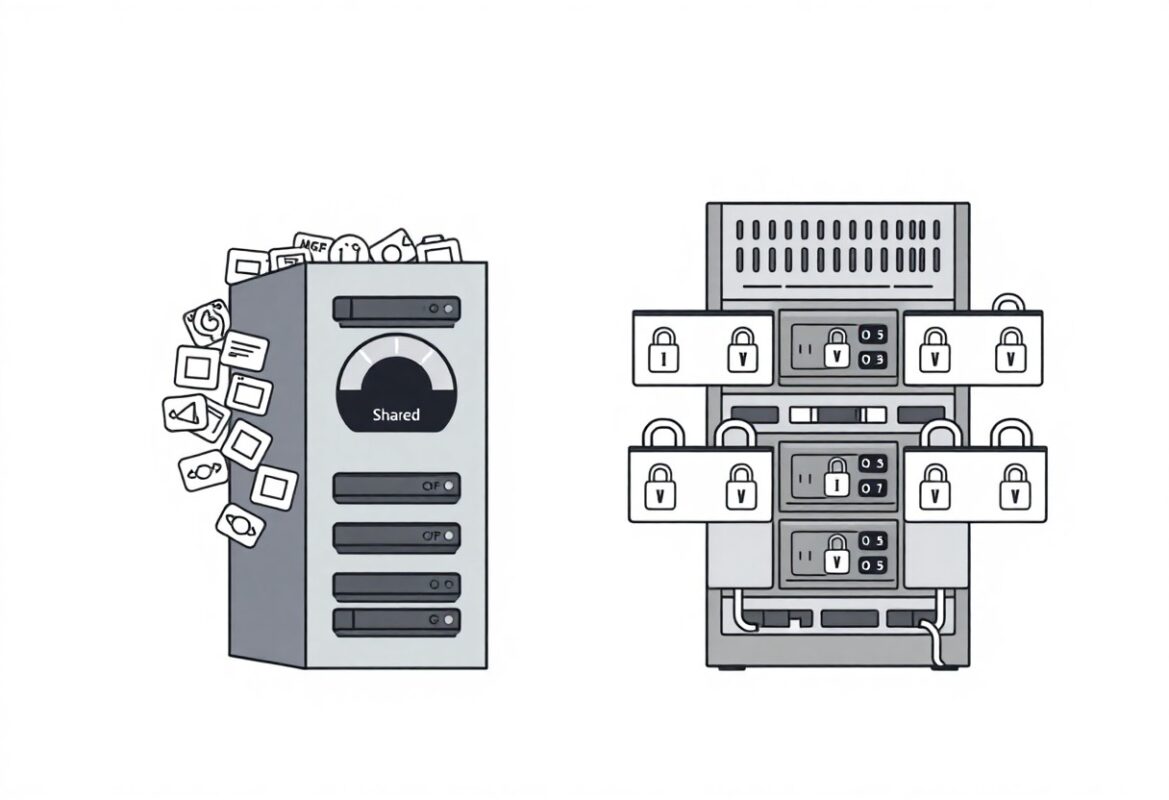
A: Shared hosting is the most common start for new users. It keeps costs low, provides an easy control panel, and offers one-click installers for WordPress and other CMSs. Many providers include free SSL certificates, email accounts, and basic backups. Expect resource limits compared with VPS or dedicated plans, and plan to upgrade when traffic or feature needs increase.
Q: How much should a beginner expect to pay?
A: Shared hosting promotional prices typically range from $2-8 per month for the first term, with renewals commonly $6-15 per month. Managed WordPress plans usually start around $10-30 per month, while entry-level VPS plans begin near $5-10 per month and increase with allocated CPU/RAM. Domain registrations cost roughly $10-20 per year, and many hosts include free SSL certificates. Always check renewal rates, setup fees, and refund policies.
Q: What features should beginners prioritize?
A: Prioritize 24/7 customer support and an intuitive control panel such as cPanel or a user-friendly custom dashboard. One-click installers for WordPress, automatic daily backups with easy restore, and included SSL certificates simplify setup and security. Email hosting, basic malware scanning, and clear documentation or video tutorials reduce troubleshooting time. Uptime guarantees and a transparent refund policy add extra confidence.
Q: Which hosting providers are good choices for beginners?
A: Bluehost offers easy onboarding and strong WordPress integration, making it a common recommendation. SiteGround combines good support with fast infrastructure and daily backups. Hostinger targets tight budgets with a simple interface and low introductory pricing. DreamHost provides automatic WordPress installs and a long money-back window. Compare support quality, uptime history, feature sets, and renewal costs before deciding.
Q: How do I set up or migrate my first website?
A: Purchase a hosting plan and register or point your domain by updating nameservers. Install a CMS with a one-click installer, choose a lightweight theme, and add important plugins for security and caching. Enable automated backups and free SSL, then test pages and forms on a staging site if available. Use the host’s free migration service or hire a professional if the transfer feels complex or if you need to preserve SEO and database integrity.