
Blog
Hosting vs Website Builder


Over time I’ve advised many people choosing between hosting and builders; I show you that hosting gives your site more control, builders give faster setup, but builders can cause limited customization and hosting may carry security risks. See Complete newbie trying to understand the difference …

Key Takeaways:
- Hosting provides full server control, flexible software choices, and better scalability for custom or high-traffic sites.
- Website builders bundle hosting, templates, and drag-and-drop editors for fast setup with minimal technical skills.
- Costs vary: traditional hosting separates domain, storage, and bandwidth fees; builders use subscription plans that include hosting and support.
- Maintenance responsibilities differ: hosting requires manual updates, security, and backups unless using managed services; builders handle platform maintenance and security.
- Customization and integrations: hosting allows deeper code-level customization and third-party integrations; builders limit customization but speed deployment for simple sites.
Defining the Core Infrastructure
I see hosting as the underlying technical backbone that gives you full server control over performance and security, but it also imposes ongoing maintenance obligations for updates, backups, and uptime monitoring.
The Mechanics of Traditional Web Hosting
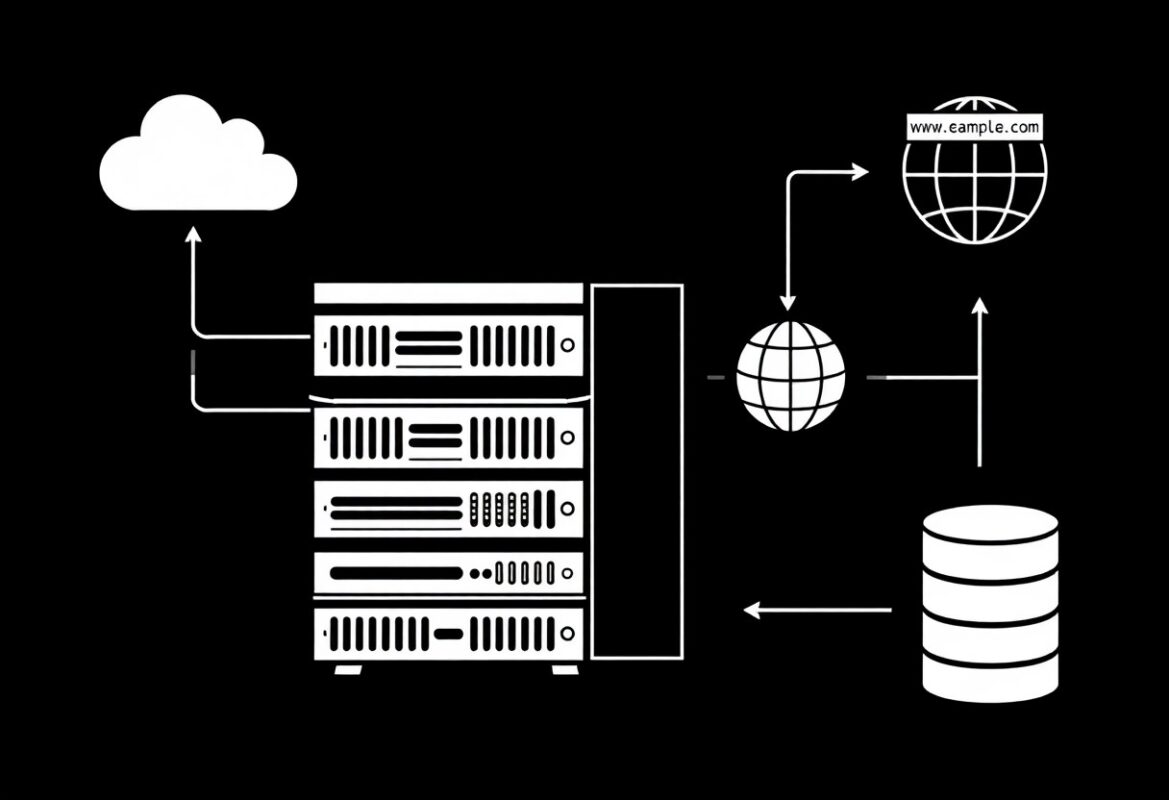
Servers demand I set up web server, database, DNS and scaling; you gain direct access and customization, while facing security risks and patching duties that require time or expert help.
The Integrated Ecosystem of Website Builders
Platforms combine hosting, drag-and-drop builders, templates and support so I can launch fast; you benefit from automatic updates and simplified workflows but trade away deep server control and export flexibility.
When I evaluate builders I check plugin marketplaces, SEO features, backup cadence and price tiers; I warn you that app ecosystems add capability while export limitations and recurring fees can lock you in, so I test portability and performance before committing.
Customization and Design Flexibility
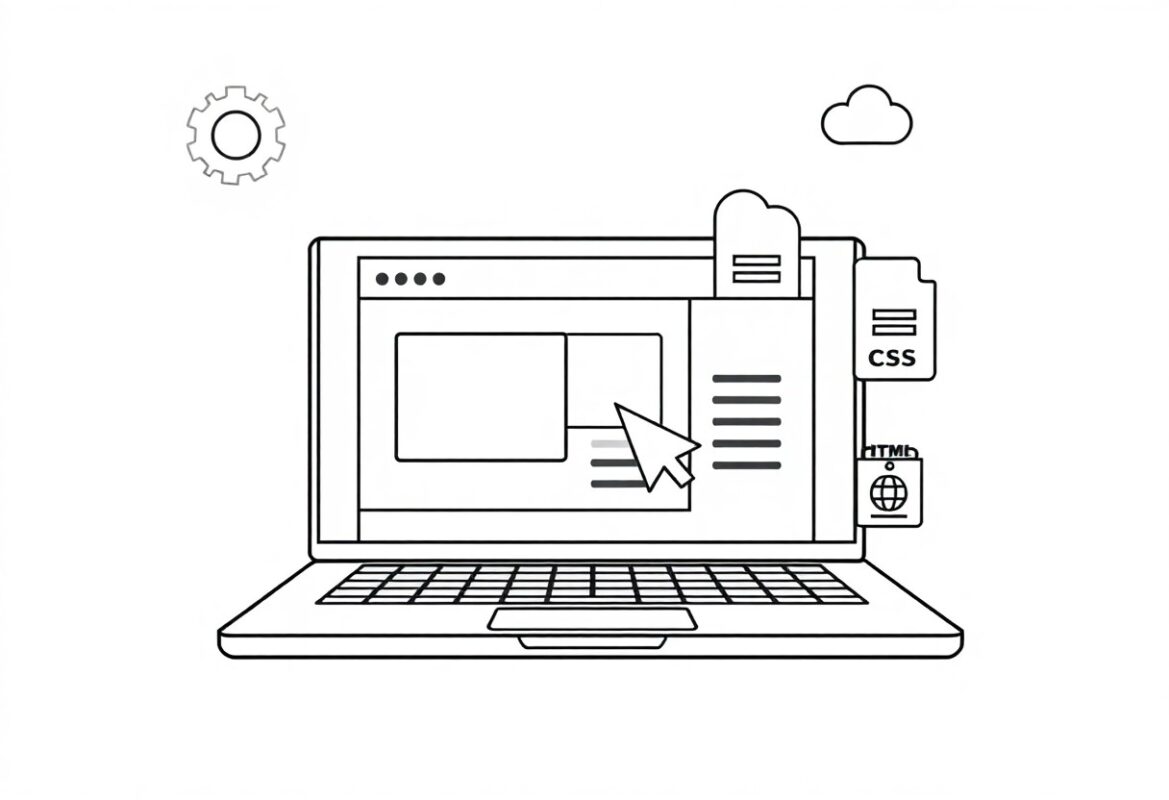
Control over design and CSS matters: I can edit every file on a self-hosted site, while builders often restrict changes, so if you value complete control or worry about limited customization, plan accordingly.
Creative Freedom in Self-Hosted Environments
Self-hosted environments give me full code access and plugins, so I can tailor performance, SEO, and interactions to your needs.
Template Constraints and Proprietary Tools
Templates on many builders simplify setup but I often find design constraints and proprietary tools restrict advanced edits, meaning you may face vendor lock-in or styling limits.
Many commercial builders use closed frameworks, so I can’t install arbitrary code or third-party themes, which leads to security trade-offs and potential migration headaches when you want to move away.
Technical Management and Maintenance
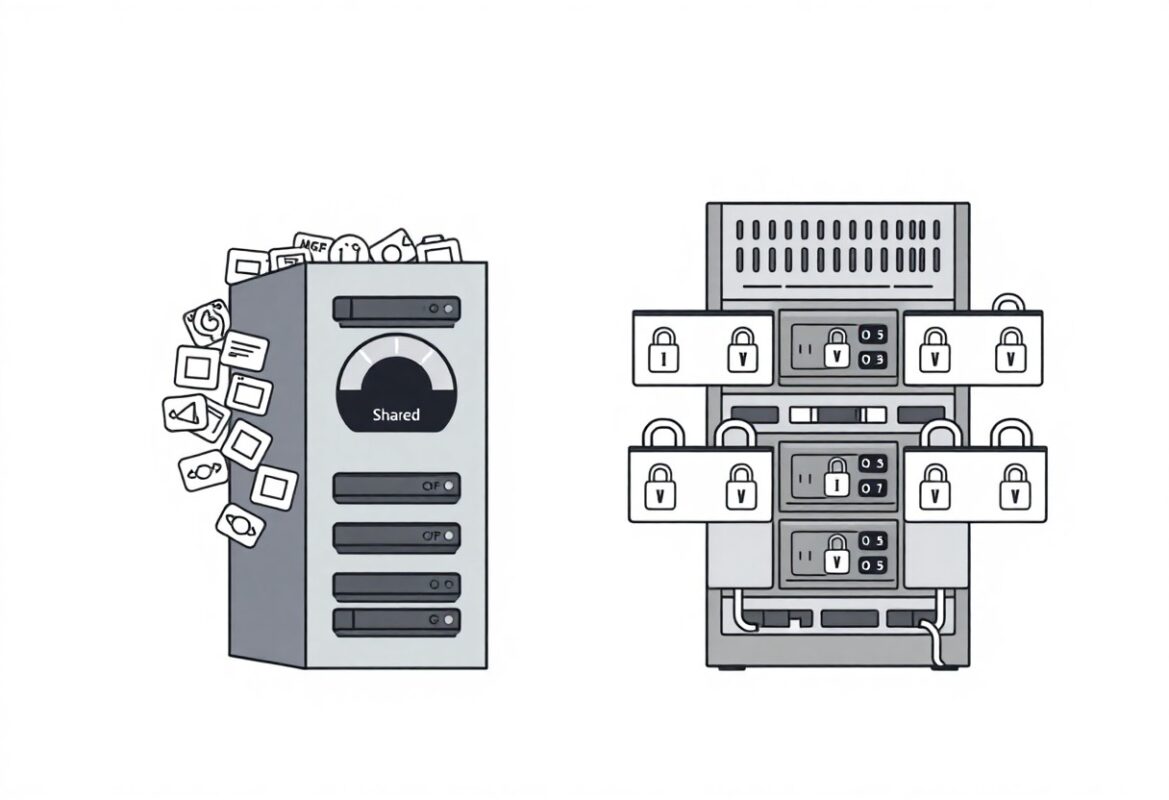
Hosting often puts the burden of server upkeep on me and you, requiring manual updates, configuration, and monitoring, while builders shift many tasks to their platform. I find hosting gives more control but also increases the risk of security breaches if your maintenance lapses.
Managing Security, Backups, and Updates
Protecting your site means I watch for vulnerabilities, apply security patches, schedule regular backups, and test restores; you should verify credentials and access. I recommend automated scanning and strict passwords to reduce the chance of data loss.
The Hands-Off Approach of Managed Solutions
Managed platforms take care of updates, backups, and server tuning so I can focus on content; you get automatic updates, daily backups, and often 24/7 support, though you may trade away some technical control.
I appreciate how managed services remove routine tasks, offering reduced maintenance, quick recovery with managed backups, and vendor support, but you must weigh higher fees and potential vendor lock-in. I advise auditing update practices because automated patches can break custom code, and you remain responsible for your application’s configuration and access controls.

Performance and SEO Capabilities
Hosting lets me tune servers for speed and uptime, so I can control page load and core web metrics, while builders trade flexibility for convenience; I warn you that weak hosting can cause downtime and poor rankings.
Granular Control over Server Optimization
Server access lets me install caching, HTTP/2, and custom CDNs so I can squeeze maximum speed; you get precise optimization, but I accept extra maintenance and the risk of misconfiguration.
Standardized SEO Features for Rapid Deployment
Builders supply structured SEO fields, automatic sitemaps, and mobile templates so I can launch quickly with consistent metadata, though I know they limit deep schema or server-level tweaks.
Templates enforce title and meta patterns so I can keep your pages consistent; you should note that advanced schema, header control, and complex redirects often require plugins, APIs, or a move to hosting with server access.

Scalability and Resource Ownership
Hosting gives me full control over scaling-so I can increase CPU, RAM, and storage as traffic grows; with owned resources I avoid website-builder limits but accept extra maintenance and cost.
Long-Term Growth and Data Portability
Portability matters to me because I want the option to move your content; I can export databases and files on hosting, while many builders keep data in proprietary formats-check for data export before you commit.
Navigating Ecosystem Lock-in and Limitations
Lock-in forces me to weigh vendor APIs, templates, and billing rules; I advise you to test export paths because vendor lock-in can stop migrations or increase costs if your needs change.
I audit platform terms, plugin access, and export formats before committing; missing SSH, database access, or proprietary themes can create costly migration hurdles. I recommend planning backups, version control, and an exit path so you can reclaim your data and infrastructure without surprise fees.
Financial Analysis and Total Cost of Ownership
Financial analysis forces me to compare lifetime expenses of hosting versus builders; I track monthly fees, renewal surges, and one-time setup costs so you can see true TCO. See Website Hosting Vs. Website Builder: What’s The Difference? for more detail.
Upfront Investment vs. Monthly Subscriptions
Upfront costs tempt me, but I budget for monthly subscriptions that often surpass initial investments, so I advise you to model two- to five-year totals to judge true affordability.
Hidden Costs of Plugins and Premium Support
Hidden charges catch me off guard when plugins, themes, and premium support add recurring fees; I flag unexpected renewals and security patch costs to protect your budget.
Plugins frequently start free and then I discover paid add-ons, update fees, and priority support that create steady annual expenses and vendor lock-in; I recommend auditing each plugin’s roadmap and totaling projected yearly costs.
Final Words
Presently I recommend choosing hosting when you need full control and scalability, and a website builder when you want speed and simplicity; I advise weighing your technical comfort, budget, and growth plans so you can pick the option that best serves your goals.
FAQ
Q: What is the difference between hosting and a website builder?
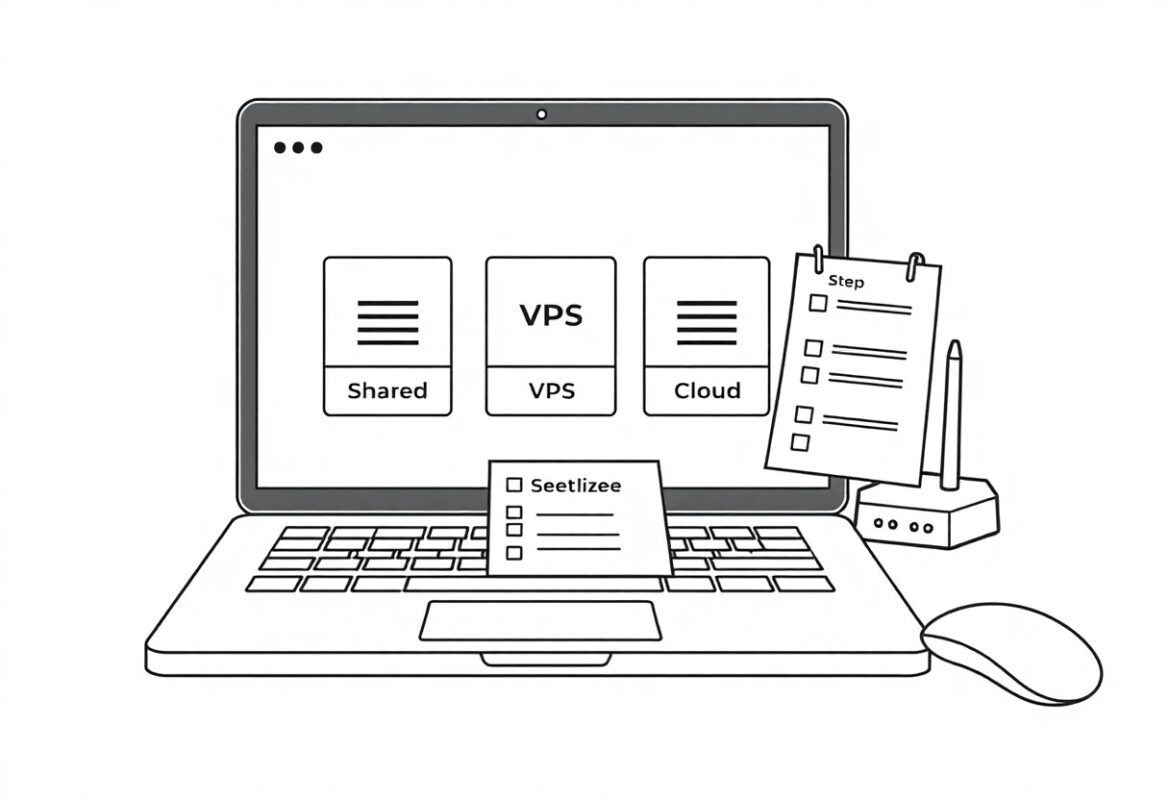
A: Hosting provides server space and infrastructure where site files, databases, and email are stored. A website builder combines hosting with a visual editor, templates, and integrated tools so you can create pages without coding. Hosting requires selection and management of server type (shared, VPS, dedicated, cloud) and gives full access to files, server settings, and software choices. Website builders simplify setup and limit low-level control, trading flexibility for convenience.
Q: Which option is better for beginners?
A: Website builders suit beginners because they include drag-and-drop editors, pre-made templates, and built-in hosting, allowing a site to go live quickly. Hosting paired with a CMS such as WordPress requires knowledge of domains, FTP, databases, and plugins, but enables deeper customization and access to thousands of themes and extensions. Small personal sites and simple business pages often do well on builders, while projects that need custom code or advanced features benefit from self-hosted solutions.
Q: How do costs compare between hosting and website builders?
A: Hosting plans range from low-cost shared hosting under a few dollars per month to VPS or dedicated servers that cost tens to hundreds per month, plus fees for domain registration, premium themes, and paid plugins. Website builders charge a monthly subscription that bundles hosting, templates, and support; basic tiers are affordable while e-commerce or agency plans are pricier. Total cost for hosting can grow with additional services and developer time, while builders create ongoing platform subscription costs and potential charges for premium features.
Q: Which option provides better performance, scalability, and security?
A: Performance depends on server resources, caching, CDN usage, and how well the site is optimized. Hosting allows you to choose higher-performance servers, implement server-level caching, and scale resources or use cloud clusters for high traffic. Website builders manage infrastructure, updates, and security patches for you, reducing maintenance but limiting advanced server tuning and custom security controls. Projects with heavy traffic, specialized compliance, or complex architectures typically perform better on managed or cloud hosting where you control scaling and security settings.
Q: Can I switch from a website builder to self-hosted hosting or vice versa?
A: Migration is possible but varies by platform and can be straightforward or time-consuming. Many builders use proprietary systems that prevent full export of design and functionality, often requiring manual recreation or export of content only. WordPress and other CMS platforms are more portable because databases and files can be exported and imported between hosts. Before migrating, verify export/import options, back up databases and media, and prepare URL redirects and SEO checks to preserve search rankings and links.