

Blog
Best Affordable Hosting Services


Affordable hosting can save your budget but carry downtime risk; I review providers so you can pick plans with reliable uptime and low prices.
Key Takeaways:
- Initial price and renewal fees reveal true affordability; choose hosts with transparent long-term costs.
- Uptime guarantees and historical performance indicate reliability-aim for 99.9% or higher.
- Customer support availability (live chat, phone, ticket) determines how quickly issues get resolved.
- Included features like SSD storage, daily backups, free SSL, and a user-friendly control panel increase value beyond the base price.
- Scalability options such as easy plan upgrades and VPS/cloud paths reduce future migration headaches as traffic grows.

Key Criteria for Evaluating Budget Providers
I prioritize clear pricing, resource allocations, and documented SLAs so you avoid hidden fees and service surprises; I watch for security risks and bandwidth caps that can make cheap hosting costly for your site.
Server Uptime and Performance Reliability
Performance metrics like 99.9% uptime matter; I monitor real-world response times and server stability so your visitors don't suffer outages.
Quality of Technical Support Channels
Support access and speed define value; I test live chat, ticketing, and phone options so you get fast, knowledgeable help when issues hit production.
When I evaluate support I call during and outside business hours, submit tickets with sample issues, and measure response quality; you want 24/7 live support, clear response time SLAs, and an escalation path to senior engineers so outages and security incidents are resolved quickly. I also value searchable knowledge bases and active community forums to reduce your dependency on live agents.
Top-Rated Shared Hosting Services
SiteGround and Hostinger top my list for shared hosting; I find their consistent uptime and fast load times give you excellent value for your small sites.
Feature Comparison of Entry-Level Plans
Comparing entry plans, I check CPU cores, bandwidth, and free SSL so you get a solid baseline without overspending.
| Feature Comparison | |
|---|---|
| Plan | Included |
| Basic | 1 site, 10GB SSD, shared CPU |
| Plus | 5 sites, 50GB SSD, higher CPU share |
Resource Allocation and Storage Limits
Storage limits vary by provider; I advise you to watch for disk quotas and I/O caps that can slow your site under traffic.
I examine per-account CPU, memory, and I/O thresholds because they define real-world performance; Check whether hosts enforce per-process limits or offer burstable resources so you aren't surprised during spikes, and if backups plus SSD storage are included your recovery and speed improve.
Affordable Managed WordPress Solutions
I review budget managed WordPress plans that include automatic updates, staging sites, and strong security. I favor hosts that deliver fast load times and minimal downtime without costly extras, so your site stays current and protected.
Optimized Environments for Speed and Security
Platforms I pick are tuned for WordPress, offering NGINX, PHP-FPM caching, and a web application firewall to harden your site and boost speed, so you get faster pages and fewer attack windows.
Automated Backups and One-Click Staging
Backups I rely on run daily with retention and easy restores; one-click staging lets you test updates before they touch your live site, reducing the risk of data loss and downtime.
You should expect daily, and ideally incremental, backups stored off-server with encryption and 30+ day retention; I test restores monthly and use one-click staging to validate plugins, themes, and PHP updates so you avoid site-breaking changes. When you push from staging, I verify performance and run a quick scan to catch leftover vulnerabilities before going live.
Essential Free Extras to Prioritize
Think about freebies: I prioritize hosts that include daily backups, SSL, and a CDN. I often cross-check offerings on 5 Best Cheap Web Hosting 2026 so you avoid surprise costs and downtime.
SSL Certificates and Domain Registration
I expect free SSL and a one-year domain registration so you and your visitors get immediate trust and reduced startup costs; a missing SSL is a security risk.
Content Delivery Network (CDN) Integration
Many hosts bundle a CDN; I value that for faster page loads and lower bandwidth charges, which gives your audience better experience and reduces server strain-lack of CDN can cause slow global load times.
When I assess CDN features I look for edge PoPs, automatic caching, and easy integration with your CMS; those reduce TTFB and cut origin requests-this improves SEO and conversion for distant visitors.
Navigating Pricing and Long-Term Costs
Pricing can look great at signup, but I urge you to check renewals, bandwidth caps, and storage; I highlight renewal price spikes and hidden resource limits to prevent costly surprises.
Introductory Rates vs. Renewal Pricing
Introductory rates lure you in, but I always check the post-promo renewal jump and contract length so your budget stays stable.
Hidden Fees and Add-on Services
Hidden fees often increase your bill; I advise you to read fine print for mandatory add-ons, domain renewals, and support charges so you control final costs.
I flag common traps like backup fees, SSL costs, and migration charges; I recommend tallying annual expenses, testing support response, and choosing plans with transparent billing so you avoid surprise bills.
Final Words
Presently I recommend affordable hosting that balances cost and performance; I guide you to providers that protect your site, ensure strong uptime, and offer scalable plans so your projects grow without surprise fees.
FAQ
Q: What does “best affordable hosting” mean and what trade-offs should I expect?
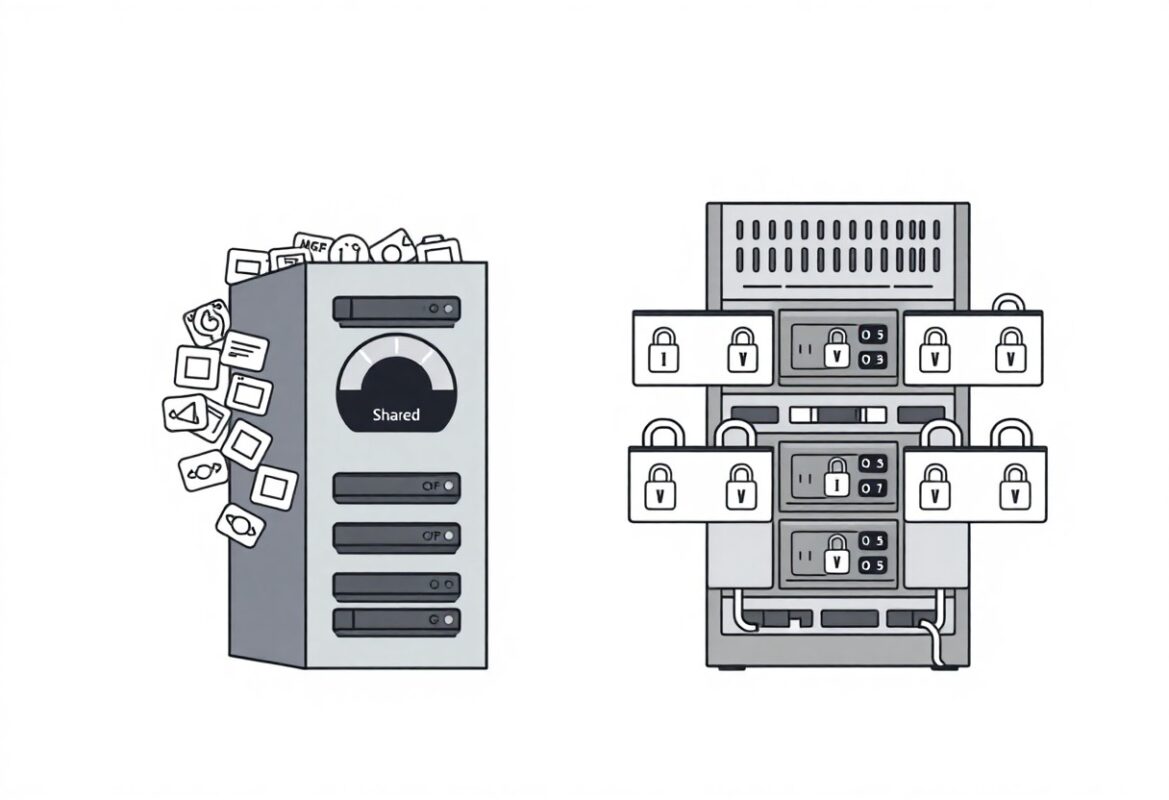
A: Affordable hosting describes plans that prioritize low monthly cost while providing the core features needed to run a website, such as storage, bandwidth, a control panel, and basic support. Common trade-offs include shared resources that can cause slower performance during traffic spikes, lower CPU and memory allocations, limited storage or bandwidth, and fewer included extras like automated daily backups or advanced security scanning. Choosing a provider with transparent pricing, clear resource limits, and an easy upgrade path helps minimize those trade-offs while keeping ongoing costs low.
Q: Which types of hosting offer the best value for budget websites?
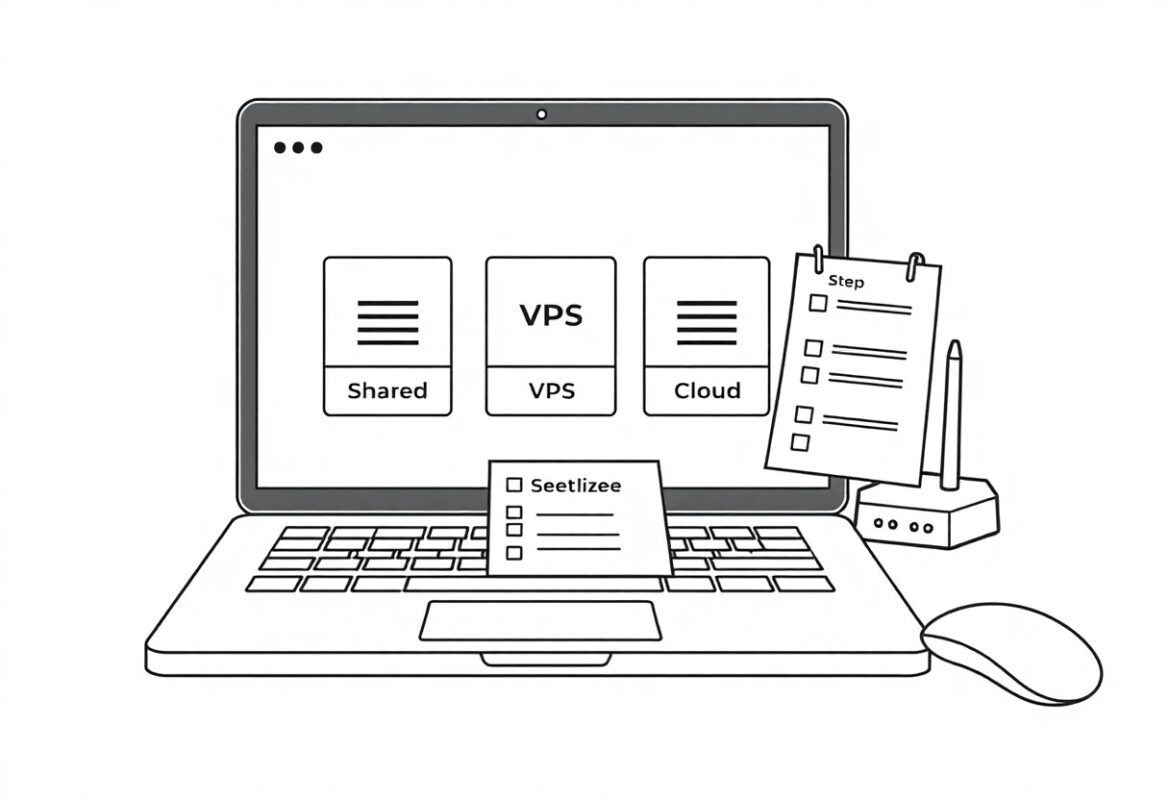
A: Shared hosting usually offers the lowest entry price and suits small blogs, brochure sites, or hobby projects with modest traffic. Managed WordPress plans provide optimizations and maintenance for WordPress sites at modest cost, often saving time that would otherwise be spent on updates and caching. Entry-level VPS or cloud instances cost more than shared plans but deliver dedicated CPU/memory and better performance for growing sites that need predictable resources.
Q: How can I compare hosting prices and avoid hidden fees?
A: Compare the full-cost breakdown including introductory price, renewal price, setup fees, and charges for add-ons such as SSL certificates, domain registration, backups, migrations, email accounts, and control panel licenses. Read the terms of service for bandwidth or inode limits and check CPU throttling or “fair use” policies that can affect performance. Verify refund policies, promotional timeframes, and support tiers so the apparent low price does not become expensive after renewal or when you need important services.
Q: How do I judge performance and uptime on affordable plans?
A: Look for providers that publish uptime guarantees (99.9% or higher) and offer SLA credits for extended downtime, then verify claims with third-party uptime reports or user reviews. Check hardware details such as SSD storage, server CPU generations, and memory per account rather than vague “unlimited” promises; I/O limits and CPU throttling are common on cheap plans and affect real-world speed. Use caching, a CDN, and optimized CMS settings to get the best performance from budget hosting, and choose a host that makes vertical upgrades simple if traffic grows.
Q: What security, backups, and support should I expect from the best affordable hosts?
A: Expect free basic security measures like a shared firewall, free SSL/TLS certificates, and automated OS or control-panel updates on many budget plans, while advanced malware scanning or intrusion response may be a paid add-on. Basic backup options are often included but may have limited retention or require an extra fee for on-demand restores; confirm backup frequency and restore procedures before committing. Responsive support channels-live chat, ticketing, and knowledgebase-are important; test response times and read user reports to confirm the provider offers adequate help for the level of management you require.



One thought on “Best Affordable Hosting Services”