
Blog
What Is Web Hosting? (Beginner Guide)

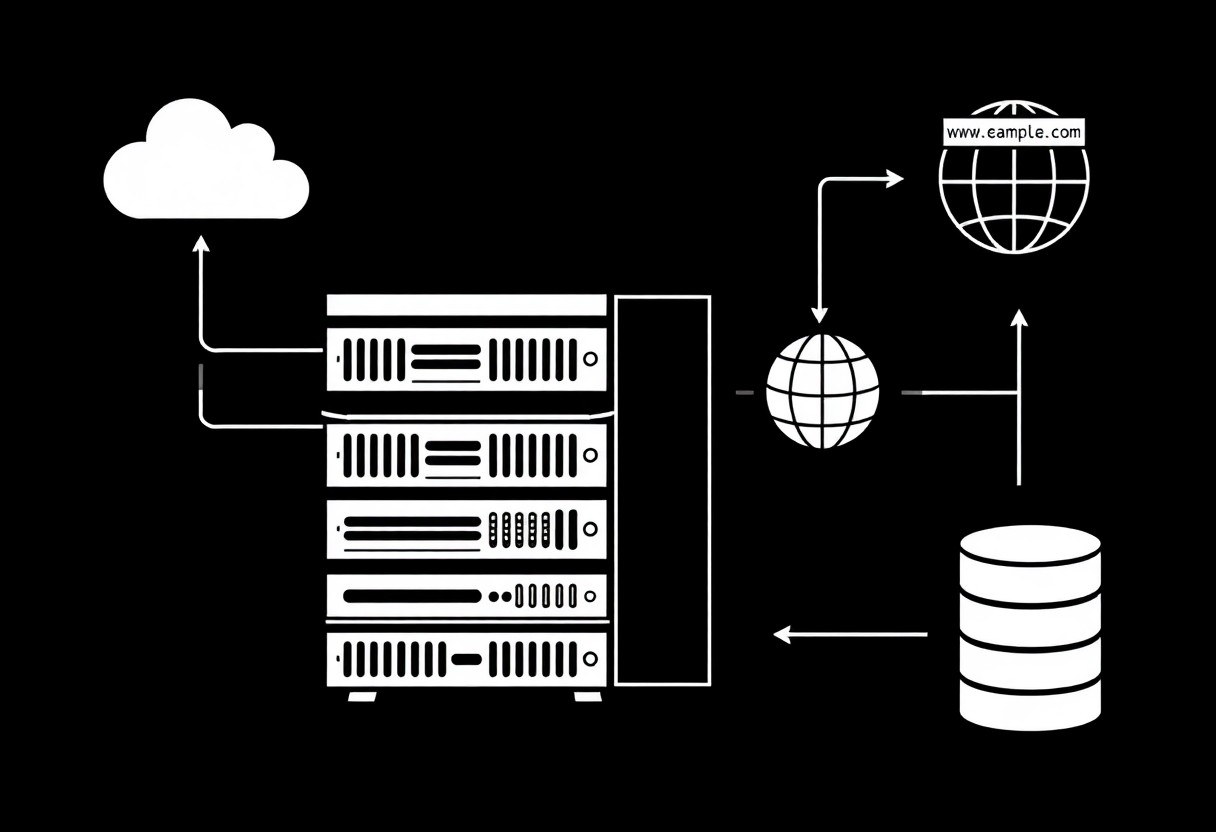
Just I guide you through web hosting basics so you can protect your site from costly downtime, choose plans that deliver fast performance, and avoid common risks; read the full guide What Is Web Hosting? A Beginner's Guide to Hosting.
Key Takeaways:
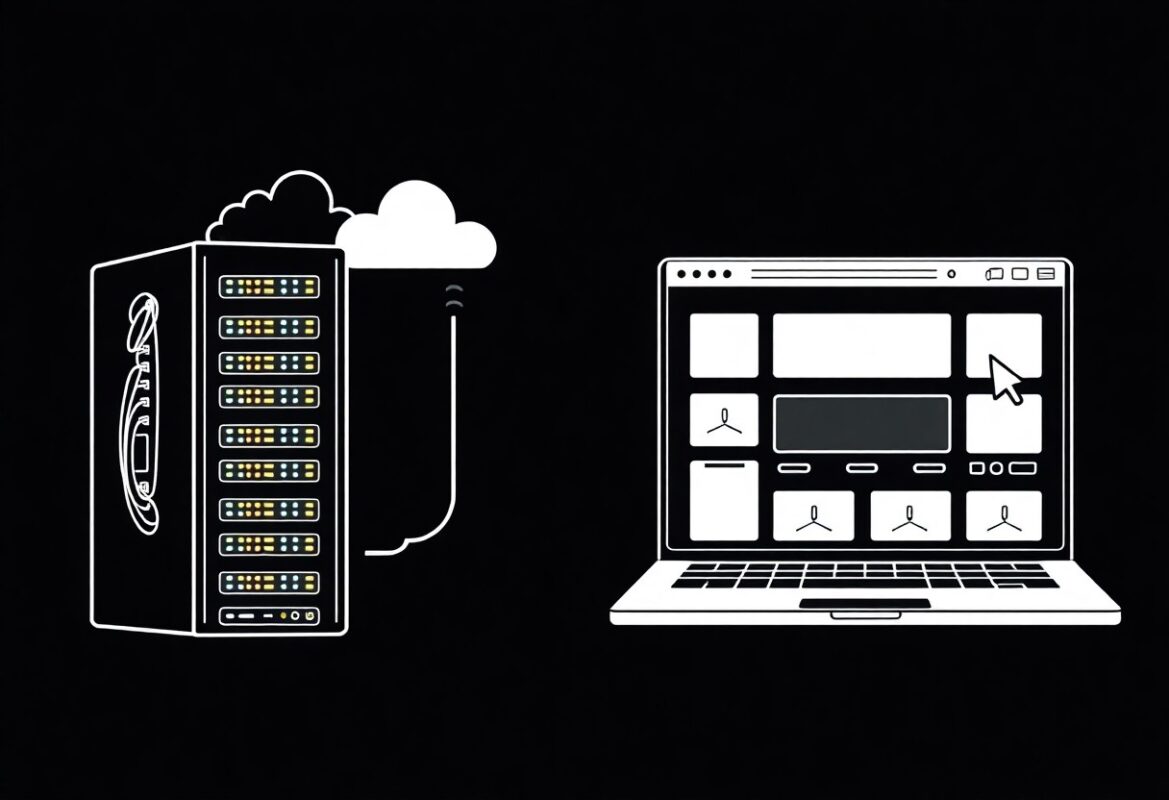
- Web hosting stores website files on servers and delivers them to visitors when a domain is requested; hosting includes resources like storage, bandwidth, uptime, and security.
- Common hosting types include shared, VPS, dedicated, cloud, and managed services, which differ in performance, cost, and administrative control.
- Key features to compare are disk space, bandwidth limits, uptime guarantees, SSL and security measures, backup policies, and customer support quality.
- Hosting choice depends on expected traffic, technical skill, budget, and required features; start with a scalable plan and upgrade as needs grow.
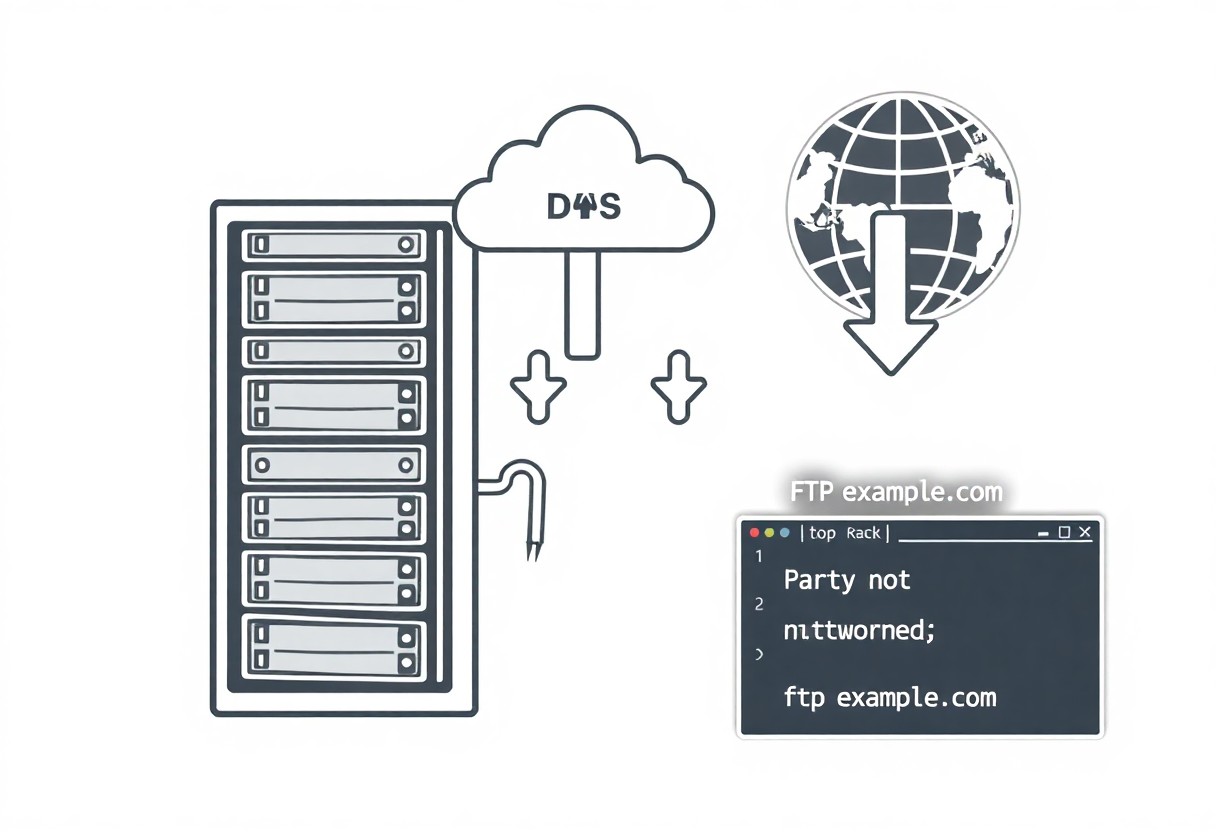
- Setup typically requires pointing your domain via DNS, uploading files with FTP/SFTP or a control panel, configuring databases, and installing applications with one-click installers.
Core Concepts of Web Hosting
Core concepts cover servers, storage, bandwidth and uptime; I show you how choices affect cost and performance, highlighting uptime and backups as most important and the risk of downtime for your site.
How Hosting Servers Function
Servers run your site 24/7; I monitor CPU, RAM and network so you can assess load handling, and I warn about single points of failure that cause outages.
The Relationship Between Domains and Hosting
Domains point users to your server via DNS records; I explain how A, CNAME and nameserver settings connect your domain to hosting, and why incorrect DNS can make your site inaccessible.
I verify TTL values and propagation delays so your domain syncs with hosting quickly, and I instruct you to set correct A/CNAME and SSL records to prevent access failures and certificate warnings.
Exploring Different Types of Hosting Services
I compare shared, VPS, dedicated, cloud, and managed WordPress options by cost, control, and performance. Perceiving the trade-offs helps you choose the right plan; see a practical Guide to web hosting for a complete beginner : r/webhosting.
- Shared – budget-friendly, limited resources
- VPS – isolated resources, moderate control
- Dedicated – full server control, higher cost
- Cloud – scalable, pay-for-usage
- Managed WordPress – maintenance handled, faster setup
| Shared | Low cost, shared resources, higher downtime risk |
| VPS | Virtualized slices, better isolation and performance |
| Dedicated | Entire server, max control, higher price |
| Cloud | Elastic resources, strong scalability, pay-as-you-grow |
| Managed WordPress | WordPress-optimized, automated updates and backups |
Shared, VPS, and Dedicated Server Models
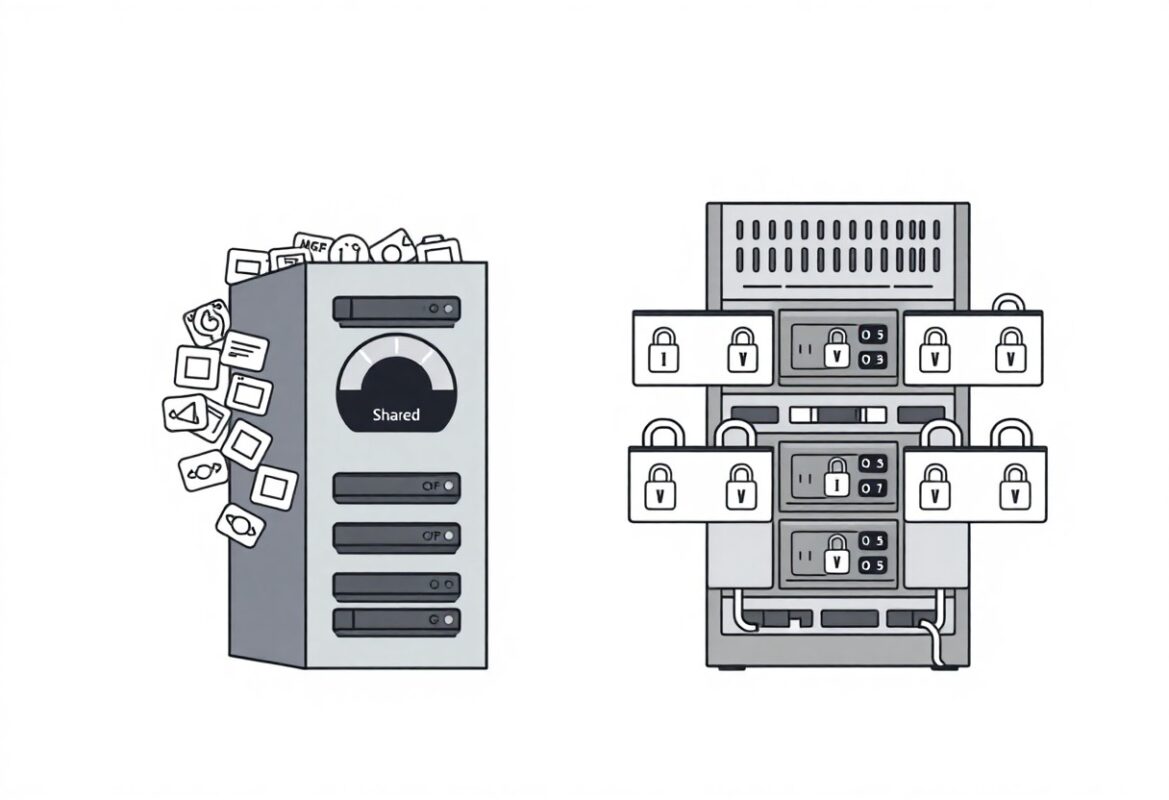
Shared hosting fits simple sites, VPS offers resource isolation for growth, and dedicated gives full control; I check traffic needs, security, and budget before advising an upgrade.
Cloud Hosting and Managed WordPress Solutions
Cloud hosting scales on demand and often improves uptime, while managed WordPress handles updates and security so you focus on content; I prefer these for sites expecting bursts of traffic.
Managed WordPress combines optimized cloud stacks, server-level caching, automatic security patches, and daily backups to reduce your workload; I recommend it when you want reliable performance and simplified maintenance, but I also watch recurring costs and plugin restrictions that can affect customization and long-term flexibility.
Step-by-Step Guide to Launching Your Site
| Overview |
Start by choosing hosting; I guide you through key steps to get your site live quickly and avoid common setup mistakes. |
Selecting the Right Hosting Plan for Your Needs
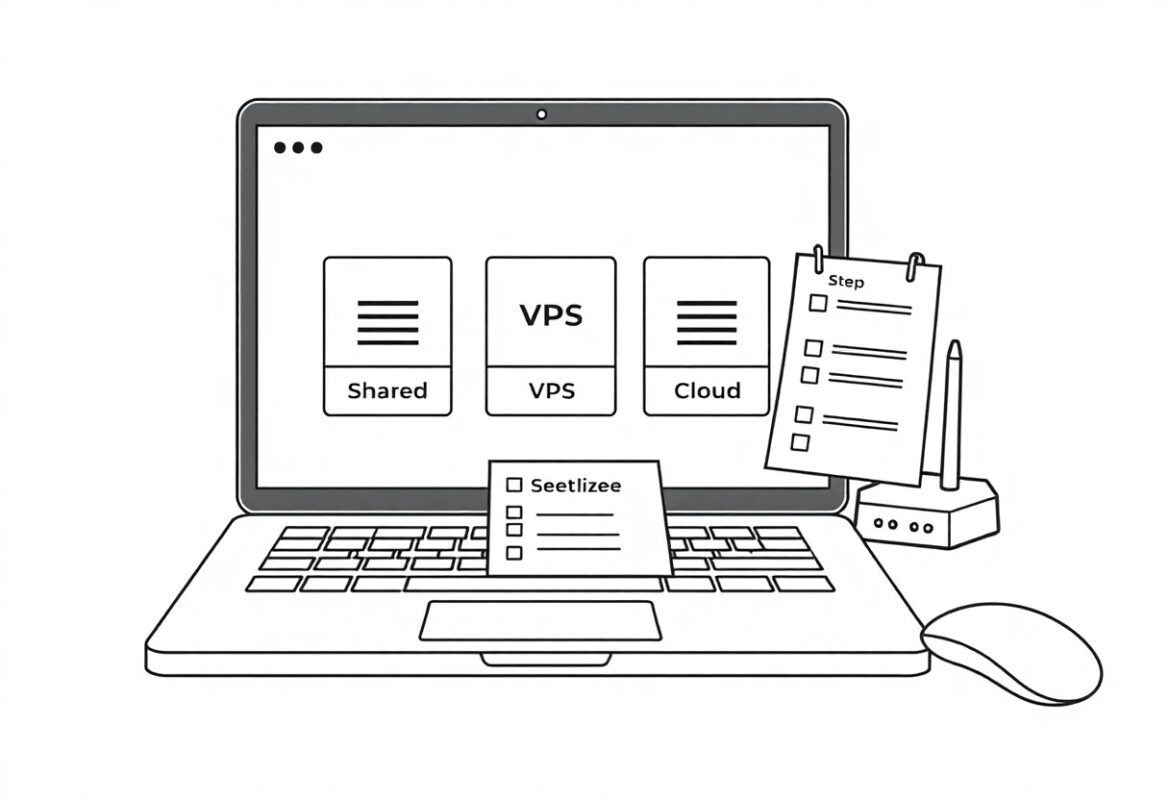
I evaluate expected traffic, budget, and features so you can pick shared, VPS, or dedicated hosting that fits growth without overspending.
Configuring Your Account and Domain Settings
You link your domain, set DNS records, and secure logins; I recommend enabling auto-renew and a strong password to prevent downtime.
Make sure I configure A and CNAME records, add MX for email, enable SSL, and update nameservers; I monitor DNS propagation and maintain frequent backups so you can recover from misconfigurations or attacks.
Essential Tips for Hosting Management
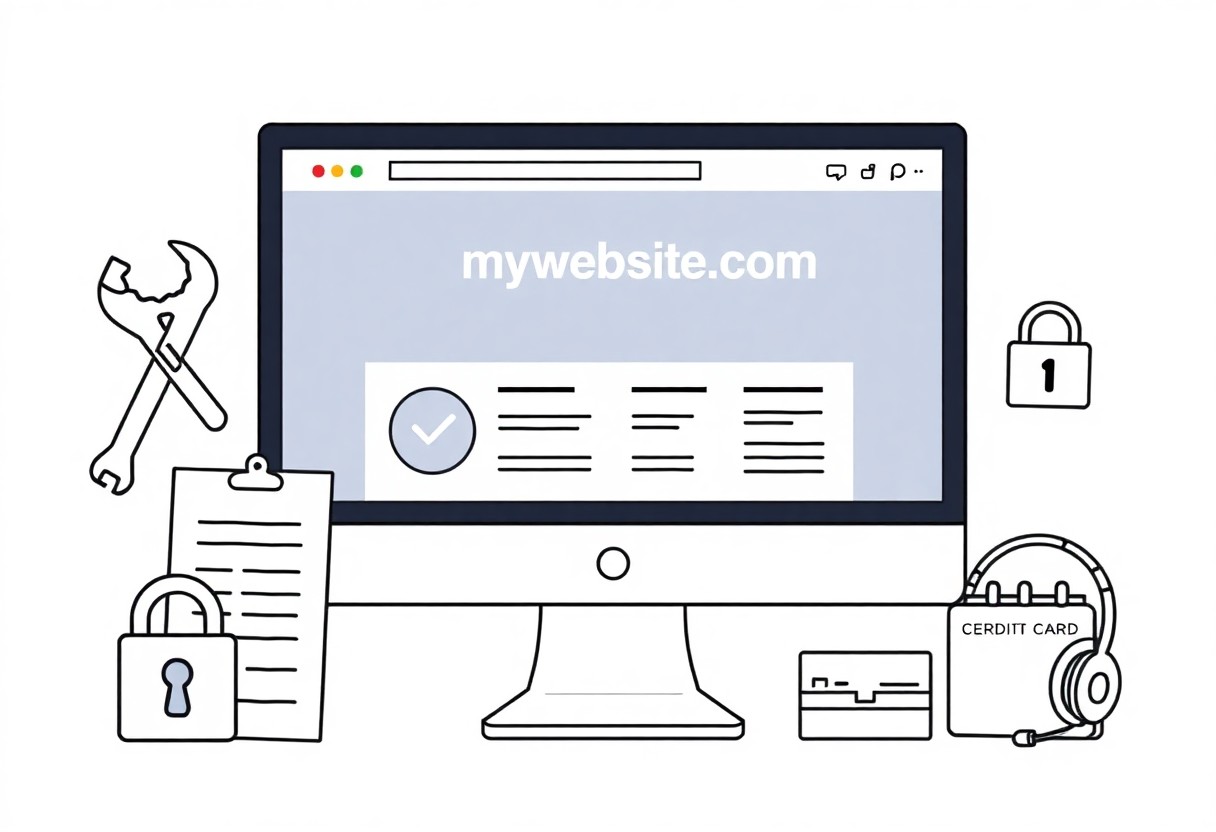
I keep hosting healthy by monitoring uptime, applying updates, and limiting access to reduce risks. Knowing scheduled maintenance windows and clear recovery steps minimizes downtime and protects your users.
- uptime monitoring
- regular updates
- automated backups
- access control
Optimizing Site Speed and Performance
Speed is where I focus caching, CDN use, and image compression while pruning heavy plugins so your pages load faster and visitors stay engaged.
Implementing Robust Backup and Security Strategies
Security drives me to schedule automated backups, enforce strong passwords, and apply patches to lower the risk of data loss or malware affecting your site.
Backups are my first line of defense: I run daily full backups with incremental snapshots, keep copies offsite, and encrypt archives to prevent data loss. I also configure firewalls, enable two-factor authentication, apply timely patches, and perform regular restore tests so you can recover quickly from ransomware or other breaches while maintaining operational continuity.
Final Words
Following this, I expect you understand core hosting types and can pick a plan for your site; consult How does web hosting work? A simple guide for beginners for a clear overview, and I will help refine your choice.
FAQ
Q: What is web hosting?
A: Web hosting is a service that stores a website's files and makes them accessible on the internet. A hosting provider supplies server space, an IP address, and the network connectivity required for visitors to reach a site. The Domain Name System (DNS) maps a human-readable domain to the server's IP address. When a visitor requests the domain in a browser, the server delivers web pages using HTTP or HTTPS.
Q: What are the main types of web hosting and how do they differ?
A: Common hosting types include shared, VPS, dedicated, cloud, and managed hosting. Shared hosting places multiple websites on a single server and divides resources, making it low-cost but limited in performance. VPS (Virtual Private Server) creates isolated virtual servers on a physical machine to provide dedicated resources and increased control. Dedicated hosting gives one customer an entire physical server for maximum performance and customization. Cloud hosting distributes resources across multiple virtual machines for scalability and higher availability. Managed hosting means the provider handles server maintenance, security updates, and backups on behalf of the customer.
Q: How do I choose the right hosting provider?
A: Evaluate providers by uptime guarantees, server performance, customer support, scalability, and security features. Uptime guarantees and monitoring help reduce downtime risk. Server performance influences page load times; look for SSD storage and clear resource allocations. Support availability is important for resolving technical issues quickly, so prefer 24/7 support with multiple contact options. Scalability options let you upgrade resources without complex migrations. Security features such as free SSL, malware scanning, firewalls, and automated backups protect your site. Review control panel options, backup policies, and renewal pricing before deciding.
Q: What does web hosting cost and what affects the price?
A: Hosting costs range from free plans to hundreds of dollars per month depending on type and features. Shared hosting typically costs $2-$10 per month for basic sites. VPS plans commonly range from $10-$80 per month based on CPU, RAM, and storage. Dedicated servers usually start around $80-$200+ per month. Cloud and managed plans may charge based on usage and can include hourly or scalable billing. Additional costs can include domain registration, premium SSL certificates, backups, migrations, and higher renewal rates. Free hosting often imposes ads, strict limits, or minimal support.
Q: What are the basic steps to set up web hosting for a beginner?
A: Set up hosting by following a clear sequence of steps. Register a domain or use an existing domain. Choose a hosting plan that matches expected traffic and resource needs. Create an account with the provider and complete any verification steps. Point the domain to the host by updating nameservers or adding DNS records. Upload website files using the control panel, FTP/SFTP, or Git. Install a CMS like WordPress via a one-click installer or manual installation if needed. Enable SSL to serve content over HTTPS and configure automated backups and updates when available. Test the site on multiple devices and monitor performance and uptime after launch.